
Microsoft confirms Windows updates cause black screen issues
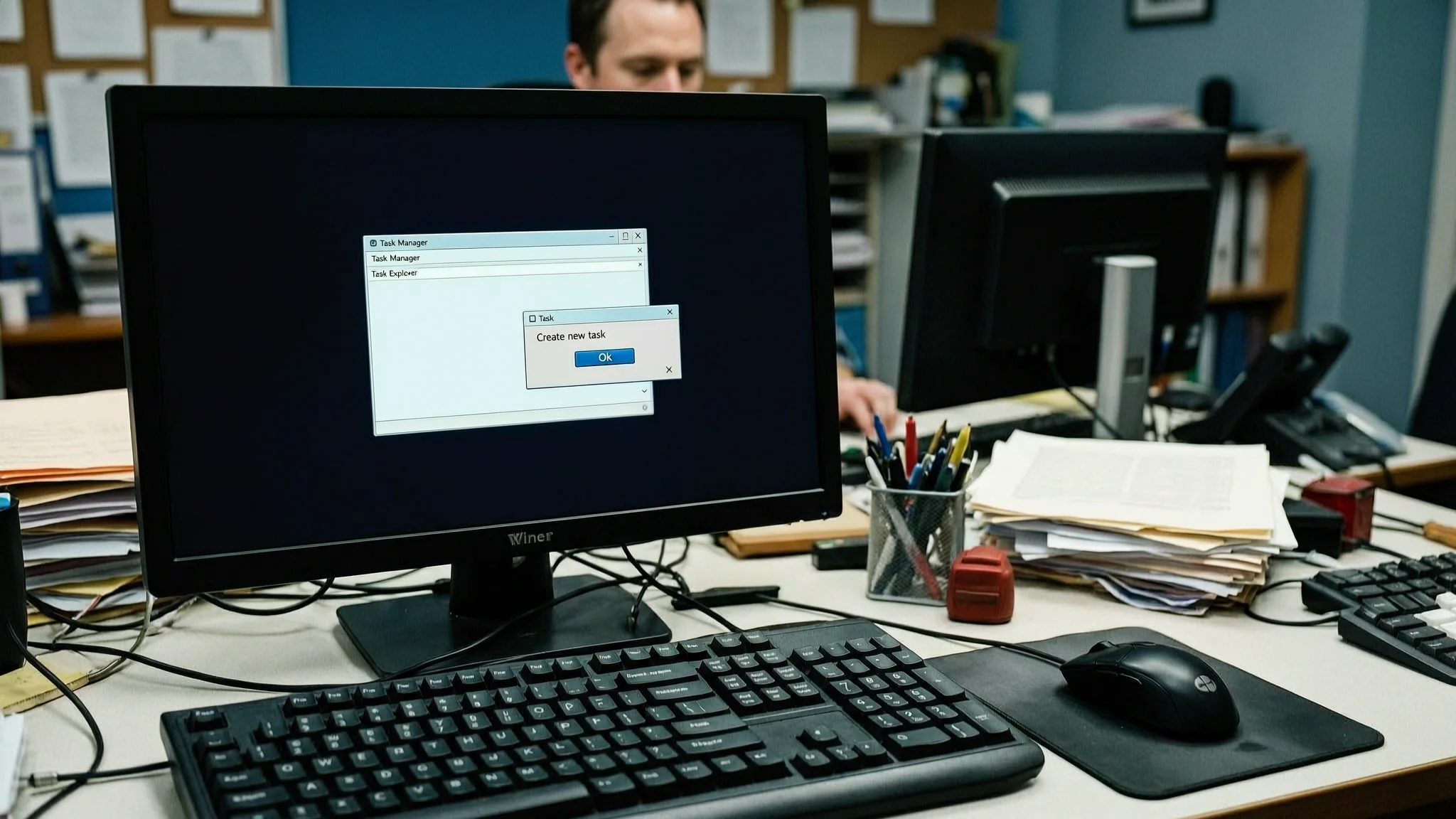
Microsoft has confirmed that recent Windows updates can cause desktop loading issues, including black screens, particularly for Azure Virtual Desktop hosts that use FSLogix. BleepingComputer reported the confirmation on September 25, 2026, after Microsoft published details about the known issue and its workarounds.
Azure Virtual Desktop is a cloud service from Microsoft that delivers full Windows desktops over the internet, and FSLogix is a software tool that speeds up how user profiles load inside those virtual desktop sessions. According to Microsoft, the problem mainly affects Azure Virtual Desktop hosts that rely on FSLogix, although some users may see symptoms after installing the August 2026 preview updates and subsequent updates. The most common symptom is a black screen immediately after sign-in, which prevents users from reaching the desktop until they start the desktop session manually. Application event logs on affected systems also show Windows Explorer crashes.
The updates Microsoft linked to the issue include KB5120996 for Windows 11 version 26H1, KB5120998 for Windows 11 versions 24H2 and 25H2, and this month's Patch Tuesday releases KB5124008 and KB5122880. Patch Tuesday is the monthly scheduled release of Windows security and reliability updates. Until Microsoft ships a permanent fix, affected users can restore the desktop by launching Windows Explorer manually. Press Ctrl+Shift+Esc to open Task Manager, select Run new task, type explorer.exe, and click OK. That starts Windows Explorer and brings the desktop back, but it does not remove the underlying update problem.
Microsoft has also mitigated the issue for enterprise customers using Known Issue Rollback (KIR), a Windows feature that reverses a problematic update delivered through Windows Update without requiring a full uninstall. IT administrators can apply the mitigation on enterprise-managed devices by installing one of two Group Policy files. Group Policy is a Windows management tool that lets administrators control settings on many computers at once. The policy for Windows 11 version 26H1 is KB5124006, and the policy for Windows 11 versions 25H2 and 24H2 is KB5124010. Microsoft said administrators need to install and configure the Group Policy for their Windows version and restart the devices for the setting to take effect. The policy temporarily disables the change causing the issue until a resolution is released in a future Windows update. Microsoft's support website offers further guidance on deploying and configuring KIR group policies.
Earlier this month, Microsoft also resolved a known issue that wiped mouse and desktop settings on some Windows 11 systems after installing the optional August 2026 update KB5120998. That separate bug illustrated how optional preview updates can carry side effects that only appear after wider installation. The current desktop loading problem appears to be more limited, affecting mainly Azure Virtual Desktop environments that use FSLogix, but Microsoft still advises the manual workaround and the KIR policy for affected organizations. For businesses that support remote workers through Azure Virtual Desktop, a black screen on multiple endpoints can stall productivity and generate support tickets, which is why the manual Explorer restart and the KIR mitigation matter for IT teams that need to restore access quickly.
For IT teams that manage Windows endpoints or Azure Virtual Desktop fleets, AEU-I offers security-first IT, infrastructure and consulting, including help assessing vendor advisories and applying controlled remediations such as group policies and known issue rollbacks.