
Teams file protection to get custom block lists in November
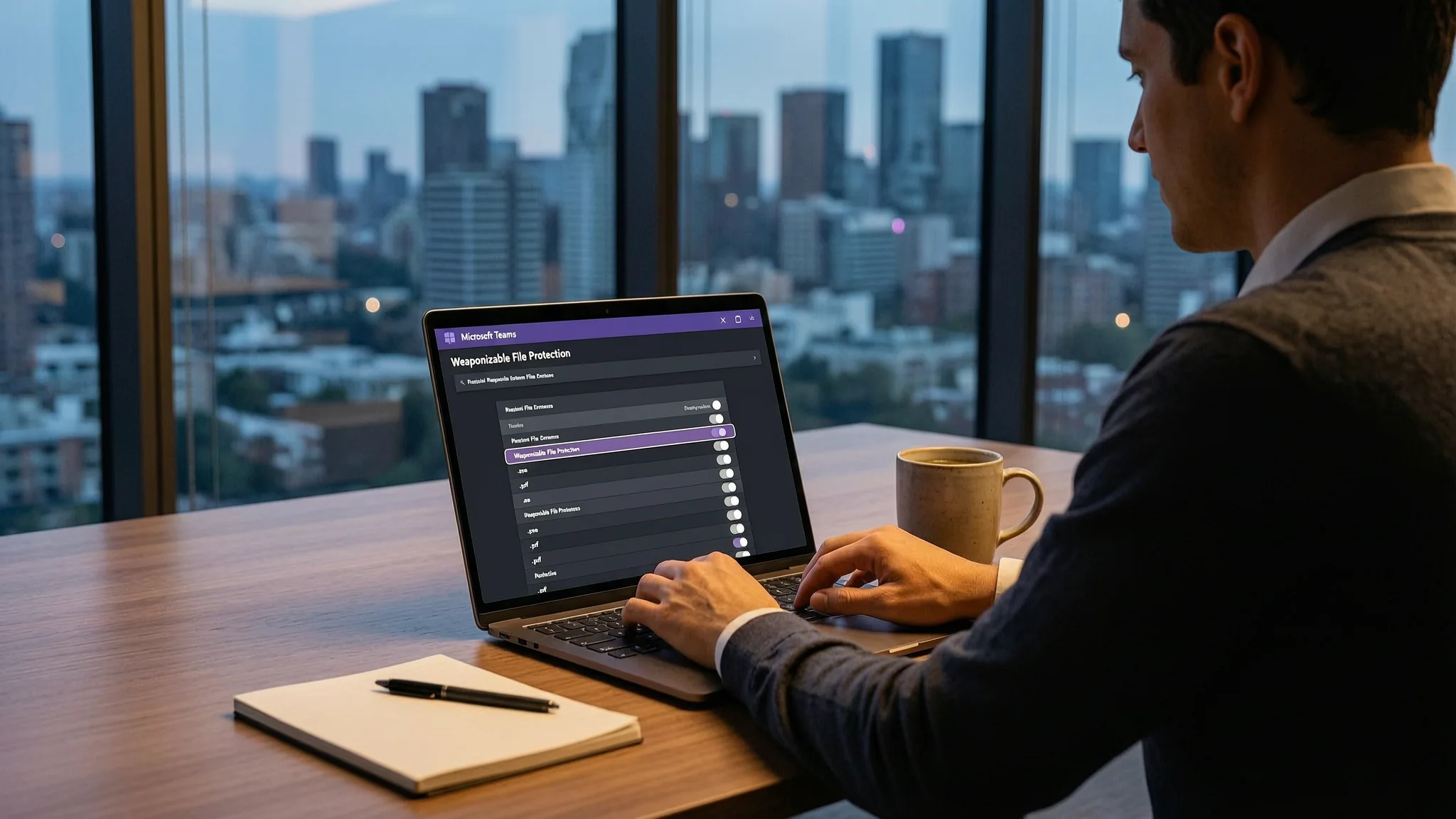
Microsoft Teams file protection is about to become customizable. A new entry on the Microsoft 365 roadmap, reported by BleepingComputer, says administrators will soon be able to change which file types Teams blocks, instead of only accepting the list Microsoft recommends. The change applies to Weaponizable File Protection, the built-in Teams safety feature that scans conversations and blocks chat messages or channel posts that carry dangerous, high-risk file attachments. According to Microsoft's support website, administrators currently have no way to change the list of blocked file types.
File protection of this kind works on file extensions, the short tag at the end of a file name (for example .pdf or .exe) that tells a computer what kind of file it is. Some of those formats are commonly used to deliver malware, which is software written to harm a device or take it over, so blocking the format at the messaging layer stops an infected attachment before it ever reaches an employee's computer. A channel, for readers who do not use Teams daily, is a shared workspace inside a team where a group of colleagues posts messages and files. Microsoft has kept the blocked list fixed and recommended by default, and the roadmap entry would hand control of that list to the customer.
Microsoft says the expansion of admin controls will let administrators customize which file types are blocked in Teams so that the behaviour matches their organization's security requirements, or they can keep using the Microsoft recommended default list. The company adds that this flexibility helps organizations tailor their file protection policies while maintaining a secure collaboration environment.
When the feature reaches general availability, Microsoft says it will be available on Android, desktop, iOS, macOS and the web, for standard multi-tenant cloud environments worldwide. General availability is the point at which a feature is offered to all customers instead of to a limited group, and multi-tenant means many organizations share the same cloud service while their data stays separate. Because the item is still listed as in development, the timetable and the final scope can still change before release.
The custom block list is one of several Teams security changes Microsoft has lined up. Starting in December, administrators will also be able to block external users through the Defender portal, a step aimed at cybercrime gangs, including ransomware groups, that abuse Teams in social engineering attacks against employees. Social engineering means manipulating a person into doing something unsafe, such as opening a file or sharing a password, and ransomware is malicious software that locks or steals files and demands payment to release them.
Other measures arrive on different schedules. Earlier this month, Microsoft said Teams will blur QR codes sent by external senders to add protection against phishing and fraud attempts; phishing is a message that pretends to come from someone trustworthy in order to make the reader click a link or give away information. This week Microsoft also announced that from November, users will be able to report suspicious guest invitations directly from Teams, which gives an organization's security team a way to spot and block phishing attempts and other attacks delivered through guest invitations. More recently, Microsoft began rolling out a meeting protection policy that lets administrators automatically block all identified external bots from joining meetings.
For website owners and IT teams, the practical shift is that protection around a collaboration tool is moving from a fixed setting to a decision the customer has to make. Chat platforms are a familiar route for delivering malicious files, because a message from a colleague or a business partner is trusted more than a message from a stranger, and attackers count on that trust. A custom block list lets an organization narrow the range of formats its staff can receive, but it only helps if somebody reviews the list and keeps it aligned with how the business actually works. Organizations that want support with reviews of this kind can look at AEU-I, which offers security-first IT, infrastructure and consulting.
For now, none of the customization described in the roadmap entry is switched on. The entry lists the feature as in development, so the exact interface, the available options and the release timing may change before November 2026, and the safest reading of the current situation is that administrators still cannot edit the blocked list. Administrators who want to prepare can start by deciding which file extensions their colleagues genuinely need to exchange in Teams, and which ones they could stop accepting without disrupting their work.