
BigDiskBuster Blocks Microsoft Defender Updates
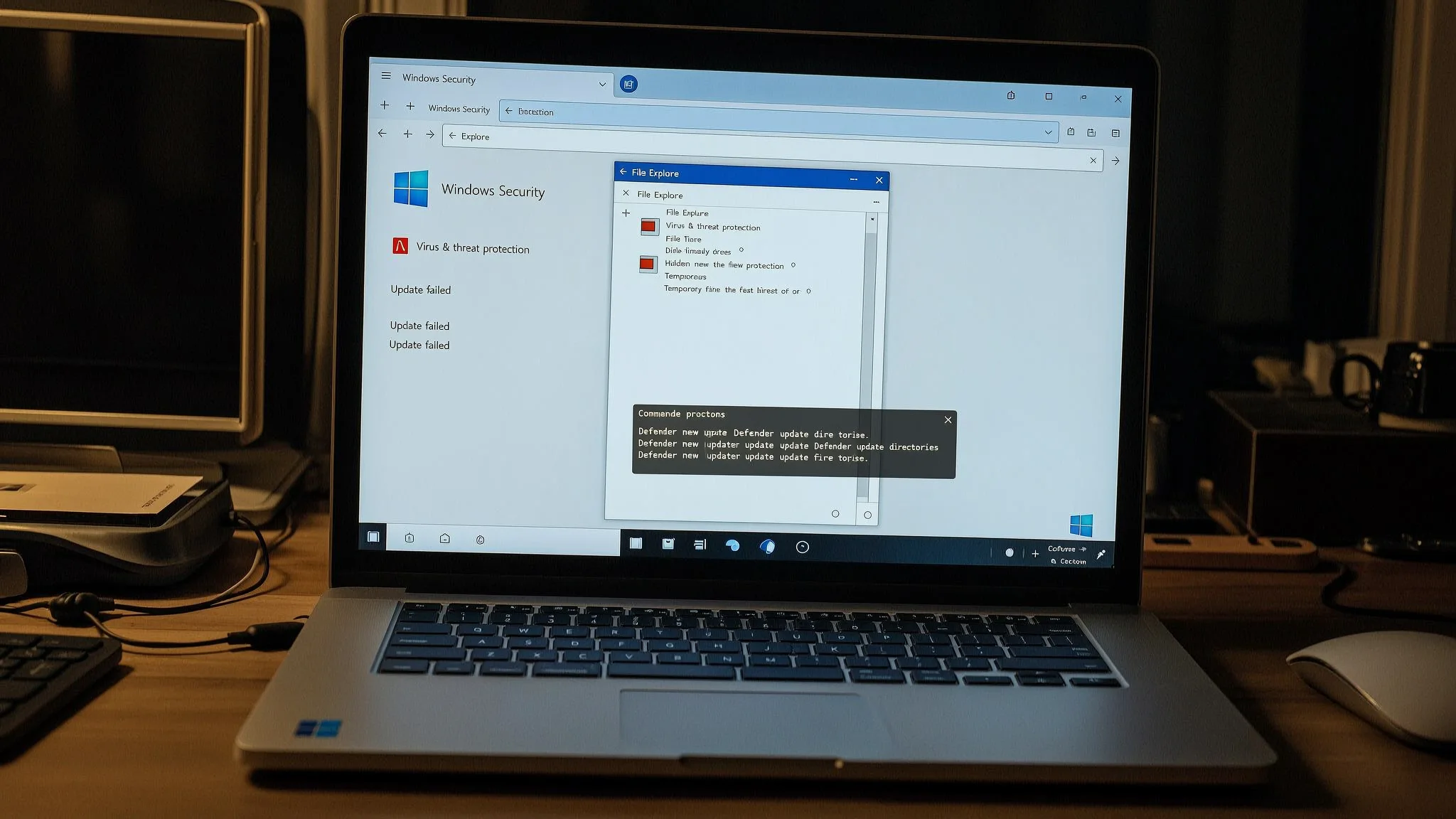
A new Microsoft Defender update blocker called BigDiskBuster fills the Windows system drive so that the antivirus software cannot download platform or signature updates. The proof-of-concept tool was published on GitHub on September 19 by Abdelhamid Naceri, a former Microsoft security researcher. Microsoft has not released a patch, a CVE identifier, or an advisory for this technique.
BigDiskBuster watches the C:\ drive for new directories under Defender's update paths. When Defender begins downloading a platform or definition update, the tool creates a hidden temporary file sized to fill all remaining free space, and the update fails. Once the update fails and Defender removes its staging directory, the tool deletes the file and waits for the next attempt. It also opens a handle on MRT.exe, the Windows Malicious Software Removal Tool, in a way that would block Windows Update from replacing that file. Signature updates, also called definition updates, are the files that tell Microsoft Defender how to recognize new malware. When those updates are blocked, Defender keeps running, but its detection content grows stale. The researcher's screenshot shows Defender returning a generic Windows error when trying to update, but whether the failure raises an automatic alert is not clear from the proof-of-concept alone.
Naceri describes the tool as "a bit buggy and needs some rewritting" and says it seems to work on all supported Windows versions. No independent researcher has confirmed the claimed behavior. He calls BigDiskBuster "similar to UnDefend," a Defender denial-of-service flaw he disclosed in April that blocked definition updates through a different method. Microsoft patched that earlier flaw in May as CVE-2026-45498 in Antimalware Platform version 4.18.26040.7.
Naceri said he was dismissed from Microsoft's Security Response Center in 2024 and has been releasing exploits without coordinating with the company since April. His first three Defender tools, BlueHammer, RedSun, and UnDefend, were all exploited in live intrusions before Microsoft patched them. CISA, the U.S. Cybersecurity and Infrastructure Security Agency, added all three to its Known Exploited Vulnerabilities catalog. He has since disclosed additional Defender and Windows flaws roughly monthly.
The two tools work differently. UnDefend used uncontrolled resource consumption, while BigDiskBuster fills the disk so Defender's update directories cannot grow. Whether the May patch also covers this new technique is not established, and the different mechanism suggests it does not.
No patch or vendor workaround exists for BigDiskBuster. Administrators can check that Defender's signatures and platform version are current through Windows Security under Virus & threat protection, then Protection updates, then Check for updates. In PowerShell, Microsoft's command-line tool for Windows administration, the Get-MpComputerStatus command shows the current versions in the AMEngineVersion and AMProductVersion fields. Monitoring for repeated Defender update failures, sustained low disk space on the system volume, and large hidden files in temporary directories would help detect the technique. Restricting execution of unknown binaries through Windows Defender Application Control (WDAC) or AppLocker would limit an attacker's ability to run the tool. For teams running Windows servers or office endpoints that need to keep Defender current, AEU-I provides security-first IT and infrastructure consulting that can help review update monitoring and endpoint controls.