
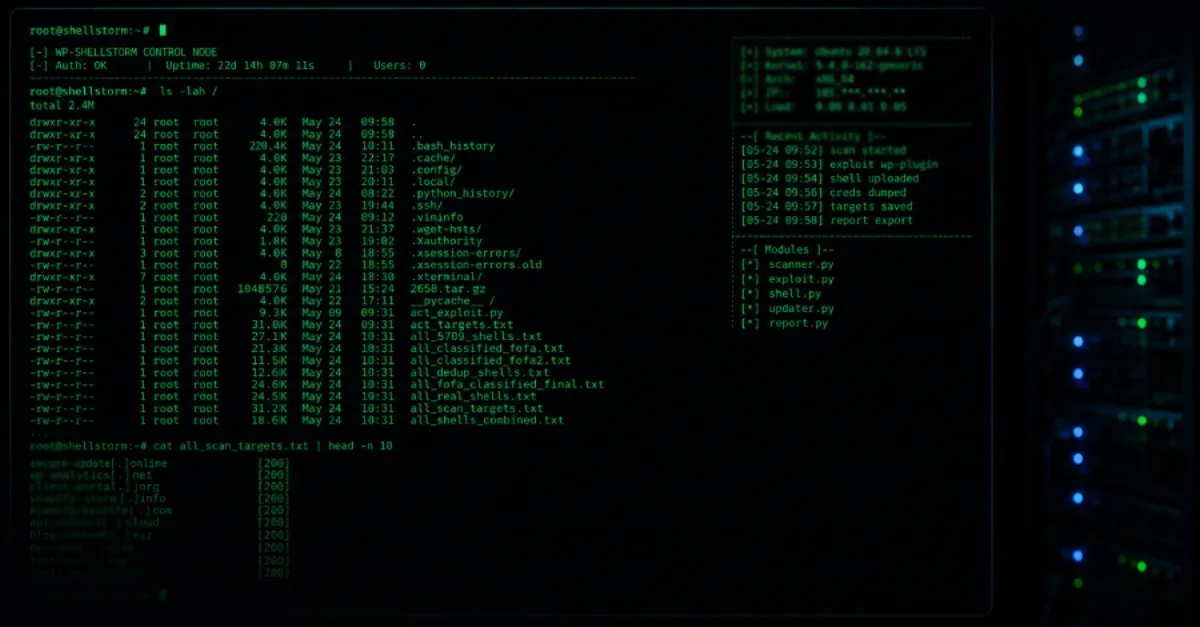
Unsecured Hacker Server Exposes WP-SHELLSTORM Campaign Infecting Thousands of WordPress Websites
A misconfigured server has uncovered a large-scale operation using the WP-SHELLSTORM backdoor to compromise thousands of WordPress sites, granting attackers persistent remote access.
An exposed command-and-control server has given security researchers a rare glimpse into a widespread WordPress compromise campaign. The unprotected server, likely left misconfigured by the attackers, revealed logs showing that the WP-SHELLSTORM backdoor has been planted on thousands of websites. This backdoor allows unauthorized users to gain remote control over infected sites, often without the site owner’s knowledge.
WP-SHELLSTORM is a PHP-based webshell that attackers install into a WordPress installation, typically by exploiting vulnerable plugins or themes, or by using stolen administrator credentials. Once in place, it provides a web-based interface that lets the attacker browse the server’s file system, upload and download files, execute commands, and even modify the site’s content. Because it blends in with legitimate WordPress files, it can be difficult to detect without specialised scanning tools.
The exposed server contained detailed logs showing communication with thousands of compromised sites around the world. For each victim, the server recorded the site’s URL, the backdoor’s location, and timestamps of attacker activity. This trove of data not only confirmed the scale of the operation but also provided indicators of compromise that defenders can use to scan for and remove WP-SHELLSTORM infections.
For website owners and administrators, this incident highlights the importance of maintaining a hardened WordPress environment. Outdated software and weak access controls are the most common entry points for such backdoors. Once installed, the backdoor can persist through core updates unless the specific malicious files are removed. Regular integrity checks and file monitoring can alert you to unexpected changes. For website owners seeking an additional layer of protection, managed WordPress hosting services like AEU Hosting provide built-in security hardening and monitoring to help detect and block such backdoor installations.
Removing WP-SHELLSTORM requires identifying and deleting the malicious PHP files, which are often given innocuous names and placed in legitimate directories. Additionally, reviewing user accounts, resetting passwords, and updating all plugins and themes are essential steps to prevent reinfection. As attackers continue to refine their tools, proactive defence remains the most effective strategy.
How to Protect Yourself
- Keep your WordPress core, themes, and plugins updated to the latest versions to close known vulnerabilities.
- Install a reputable security plugin that scans for suspicious files and alerts you to unauthorized changes.
- Change all administrator and user passwords to strong, unique ones and enable two-factor authentication for logins.
- Regularly audit the list of installed plugins and themes; remove any that are not in use or from untrusted sources.
- Check the WordPress user list for unknown administrator accounts and delete any you don’t recognize.
- Use a file integrity monitoring service or plugin that notifies you when new or modified files appear in your site’s directories.