
Sucuri Begins Phased Rollout of New Account Login System on August 10
Sucuri will start moving customer sign-ins to a new authentication platform on August 10, 2026, with existing passwords and two-factor authentication staying unchanged and old login links redirecting automatically.
Sucuri, a website security company, has announced that it will begin transitioning customer account logins to a new authentication platform starting on August 10, 2026. The change is designed to provide a stronger and more modern sign-in experience, and it will be rolled out gradually over the following few weeks. Not every account will switch at the same time, so some users may see the new login page before others. This phased approach is intended to avoid downtime, allowing customers to continue using the Sucuri dashboard normally during the transition.
The most visible change for users is the web address, or URL, of the sign-in page. All Sucuri users will eventually sign in at sso.sucuri.net, which replaces the current page at dashboard.sucuri.net/login. Users do not need to opt in, update their account, or change any settings. If you have the old login URL saved in your browser bookmarks or in a password manager (software that securely stores your login credentials), you can keep using it because the old address will automatically redirect to the new authentication page. This redirect is designed to make the switch seamless.
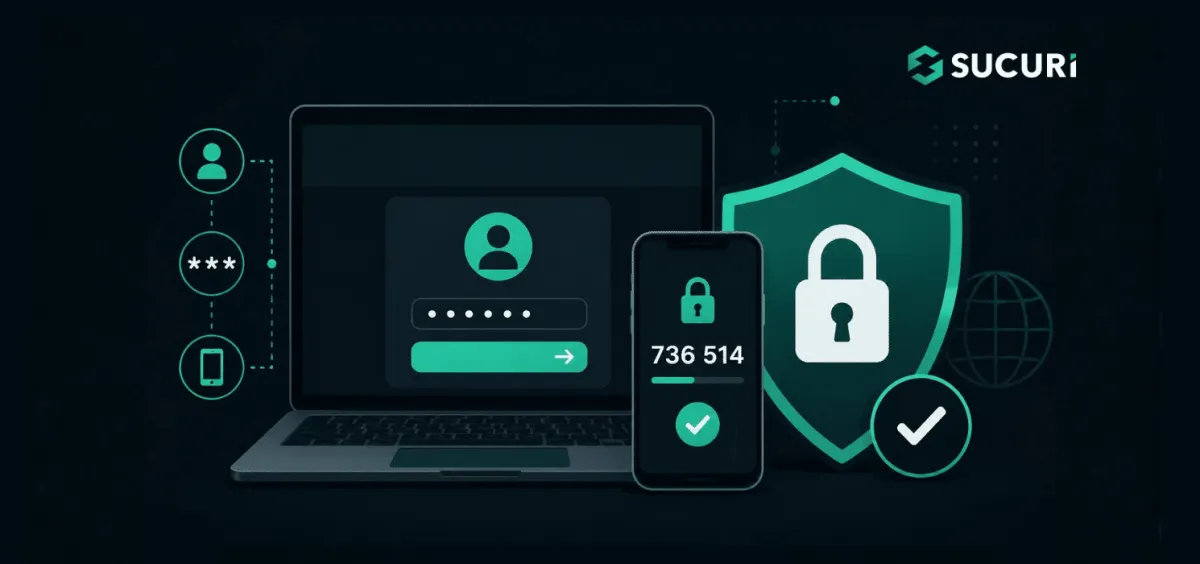
For most users, nothing else changes. Your existing Sucuri password will continue to work, and the upgrade does not require a forced password reset. Your current two-factor authentication (2FA) setup, which adds an extra security step like a code from an app or a text message, will also remain active. You do not need to re-enroll in 2FA, change your authentication method, reconfigure your account, or generate a new setup. Sucuri still recommends using a unique password for your account rather than reusing one from another service, and refreshing your password regularly as a standard security practice.
Organizations that already use Single Sign-On (SSO) or Security Assertion Markup Language (SAML) integrations with Sucuri should not need to make any changes. SSO lets users log in once to access multiple services, while SAML is a standard for securely exchanging authentication data between an identity provider and a service. Existing integrations will continue working as before and are not expected to be interrupted by this migration. This means teams that centrally manage access to Sucuri through an identity provider can keep their established authentication workflow while the platform is upgraded.
Sucuri says the upgrade gives the company a more resilient and modern authentication foundation while keeping the login process familiar for customers. The new platform is also designed to improve the account recovery experience. If you are ever unable to access your account, the updated interface should make the recovery process more straightforward. Because access to a website security dashboard can include sensitive configuration, monitoring, and administrative functions, protecting the login itself is a vital security control.
If you cannot sign in after your account migrates, Sucuri advises first confirming that you are going through the official Sucuri.net login flow rather than a link from an old or unfamiliar email or message. You can continue using the old dashboard.sucuri.net/login address because it will redirect, but you may also update your bookmark to sso.sucuri.net if you prefer. If you still cannot access your account, contact Sucuri support by visiting Sucuri.net and using the live chat icon in the lower-right corner of the page. No action is required for most users, and the support team is available through the support portal or live chat during and after the rollout.
For website owners, secure login to management dashboards is just one part of a broader website security strategy. Services like AEU Hosting provide managed WordPress hosting with end-to-end security hardening, which can help reduce the risk of unauthorized access to your site's backend. Keeping your hosting account and any security tools protected with strong, unique passwords and two-factor authentication remains a best practice across all platforms.
How to Protect Yourself
- Keep using your current Sucuri password, but make sure it is unique and not reused on any other website.
- Confirm that two-factor authentication is turned on for your Sucuri account and that you can still receive the second verification step.
- After August 10, if you see a different login page, do not worry; just make sure you are on the official Sucuri.net website before entering your credentials.
- If you receive an email or message with a login link, do not click it; instead, type Sucuri.net directly into your browser to avoid phishing.
- If you cannot sign in, use the live chat on Sucuri.net to contact support rather than trying to reset your password on an unfamiliar page.