
Leaky Proxies: WebKit Flaw Exposes Real IPs Despite Apple iCloud Private Relay
A bypass in Apple’s WebKit engine can reveal users’ actual IP addresses, undermining the privacy protection of iCloud Private Relay and putting anonymous browsing at risk.
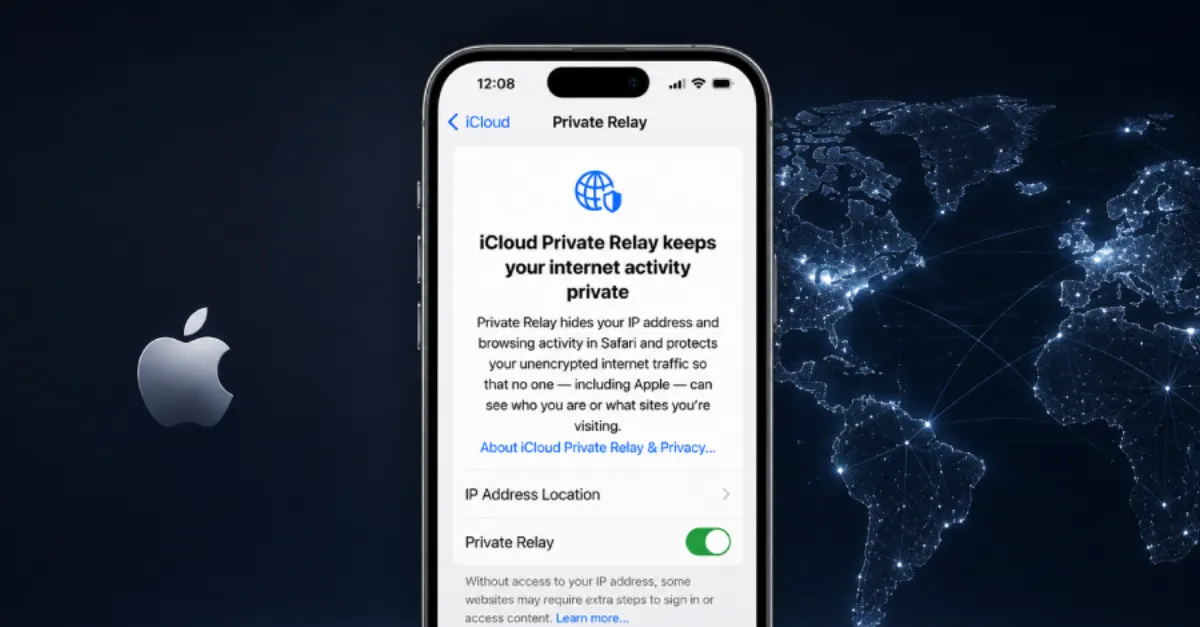
A serious privacy vulnerability has come to light in Apple’s iCloud Private Relay, a service designed to hide users’ IP addresses from websites while browsing in Safari. The flaw stems from a bypass in WebKit, the underlying browser engine that renders web pages in Safari, and can allow site operators to discover a visitor’s real IP address — even when Private Relay is active. This undermines the core promise of the relay: that neither Apple nor the websites a person visits can see both who they are and what they look at.
iCloud Private Relay works by routing web traffic through two separate internet relays, or proxy servers. The first relay, operated by Apple, assigns an anonymous IP address. The second relay, run by a third-party partner, decrypts the destination web address but does not know the user’s original IP. This split‑trust model means no single party has both pieces of information, effectively masking the user’s identity. However, a proxy bypass — where the browser connects directly to a website or leaks the real IP through a side channel — breaks this privacy shield. In this case, the bypass exists within WebKit, the open‑source browser engine that is the foundation of Safari and other Apple browsers.
Details of the exact mechanism have not been fully disclosed, but proxy bypasses of this nature can occur through various vectors. For example, WebKit might fail to route certain network requests through the privacy relay, such as those made by web workers, media streams, or DNS lookups. Another possibility is that the engine mishandles WebRTC (Web Real‑Time Communication), a set of protocols that allows browsers to make audio and video calls directly, sometimes leaking local IP addresses. Regardless of the method, the result is the same: a website can piece together a user’s true IP, which can be used to track them across sessions, determine their approximate location, and build a persistent profile.
The implications are concerning for both everyday users and businesses. For individuals, trusting that Private Relay ensures anonymous browsing might be misplaced. Forwebsite owners and administrators, the flaw serves as a reminder that client‑side privacy tools can fail, and that collecting visitor IP data, even inadvertently, can have legal and reputational consequences under regulations such as the GDPR. Enterprise IT teams cannot assume that employees’ business‑conducted browsing via Safari is fully anonymous, potentially exposing corporate networks to tracking or targeted attacks. Moreover, this discovery underscores the importance of defense in depth when it comes to privacy.
Apple has not yet publicly commented on the finding, but given the company’s track record, a patch is likely to arrive in an upcoming update to Safari, WebKit, or the underlying operating system. In the interim, users who require strong anonymity should consider supplementing Private Relay with a trustworthy virtual private network (VPN) that encrypts all traffic at a system level, or disable the relay entirely if they suspect leaks. Those managing DNS (Domain Name System, the phonebook of the internet that translates domain names into IP addresses) can benefit from a private, security‑oriented resolver that avoids logging and potential leaks. For example, AEU DNS provides a private resolver that helps prevent DNS‑level data exposure, adding an extra layer of protection against proxy bypasses that exploit DNS lookups.
How to Protect Yourself
- Keep your Safari browser and operating system up to date by installing the latest software updates from Apple as soon as they are available.
- If you suspect your real IP address might be leaking, temporarily turn off iCloud Private Relay in your device’s iCloud settings until a fix is confirmed.
- For stronger privacy, use a trusted virtual private network (VPN) service, which encrypts all your internet traffic and hides your IP address at a system-wide level.
- Check your IP address by visiting a what-is-my-ip website with Private Relay on and off, to see if any discrepancies point to a leak.
- Consider using a private, encrypted DNS service to prevent DNS leaks, which can sometimes reveal your browsing activity even when your IP is hidden.