
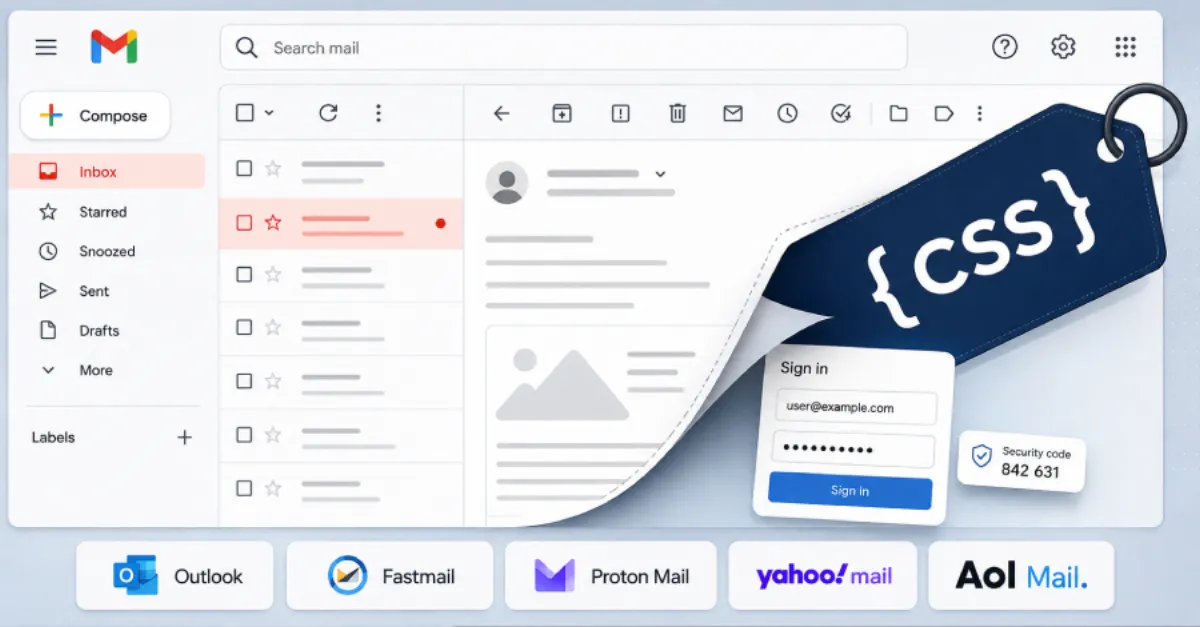
CSS-Based Exploits Circumvent Webmail Protections to Steal Credentials and Tokens
Attackers are using advanced CSS techniques to bypass built-in security in webmail, extracting passwords and access tokens without leaving obvious traces.
Webmail services have long relied on security mechanisms designed to keep malicious content within email messages from interacting with sensitive data on the page. Now, a new class of attacks is proving that even something as seemingly innocuous as Cascading Style Sheets (CSS, the code that controls the visual design of a web page) can be weaponized to break those defenses and harvest login credentials and session tokens.
At the heart of these attacks is CSS injection, where an attacker manages to insert their own style rules into an email that gets rendered by the webmail client. Normally, webmail providers use a feature called Content Security Policy (CSP), which tells the browser exactly which resources are allowed to load and from where. Sophisticated CSS attacks can leverage certain styling properties to make requests to external servers even when CSP is supposed to block them. For example, by using properties like background-image with a URL pointing to an attacker’s server, the browser may automatically fetch that resource, and the URL can be crafted to include pieces of data from the page. If the attacker can read part of an email message or a user’s personal information, they can encode that data into such a request and silently send it out.
What makes these latest attacks particularly concerning is their ability to bypass the mitigations webmail services have put in place over the years. Many providers strip out or sanitize HTML and CSS to prevent exactly this sort of abuse, but creative attackers have found ways around those filters. One method involves using CSS selectors and timing or attribute-based probing to deduce the contents of a page. For instance, by crafting a style rule that applies only when a certain phrase is present, and then observing whether a remote resource is loaded, an attacker can gradually piece together sensitive information like a password or a security token. This technique does not need JavaScript, so disabling JavaScript does not stop it; it operates purely through the styling engine of the browser.
For website owners and businesses, the implications extend beyond individual email accounts. Many organizations host their own webmail on the same infrastructure that serves their websites. A compromised email account can lead to broader system access, data breaches, or the ability to reset passwords for critical services. Moreover, if an attacker gains access to a session token (a temporary digital key that keeps you logged in), they can impersonate the user without needing a password at all. This makes it crucial for hosting providers and site administrators to ensure that strict CSP headers are configured and that email content is thoroughly sanitized on the server side before delivery.
Content Security Policy remains a frontline defense, but it must be implemented correctly. A misconfigured CSP can give a false sense of security, while a properly tuned policy can block outbound connections that are not explicitly allowed. Webmail services should also consider rendering email in a sandboxed iframe with a separate, restricted CSS environment. Website owners can protect themselves by choosing a hosting provider that takes security seriously. AEU Hosting, for example, applies hardened server configurations and keeps software up to date, reducing the risk that a compromised webmail account could lead to a full server intrusion. This kind of end-to-end security approach is essential when even styling code can be turned against users.
In parallel, users should adopt protective habits: treat all external emails with suspicion, disable the automatic loading of remote images and styles in webmail settings when possible, and always enable multi-factor authentication (MFA) so that a stolen password alone is not enough to break into an account. Browsers and webmail clients will likely evolve their defenses as these attack techniques become better understood, but until then, awareness and proactive configuration are the best shields.
How to Protect Yourself
- Turn off the automatic display of images and external content in your webmail settings—look for an option like 'Never load external content'.
- If your webmail allows it, switch to a plain-text reading mode, which strips out all HTML and CSS formatting entirely.
- Enable multi-factor authentication (MFA) for your email account so that a stolen password cannot be used alone.
- Be cautious with emails from unknown senders, and do not preview or open suspicious messages even if they appear to come from someone you know.
- Keep your web browser and any email applications updated; security patches often include fixes for CSS or rendering vulnerabilities.