
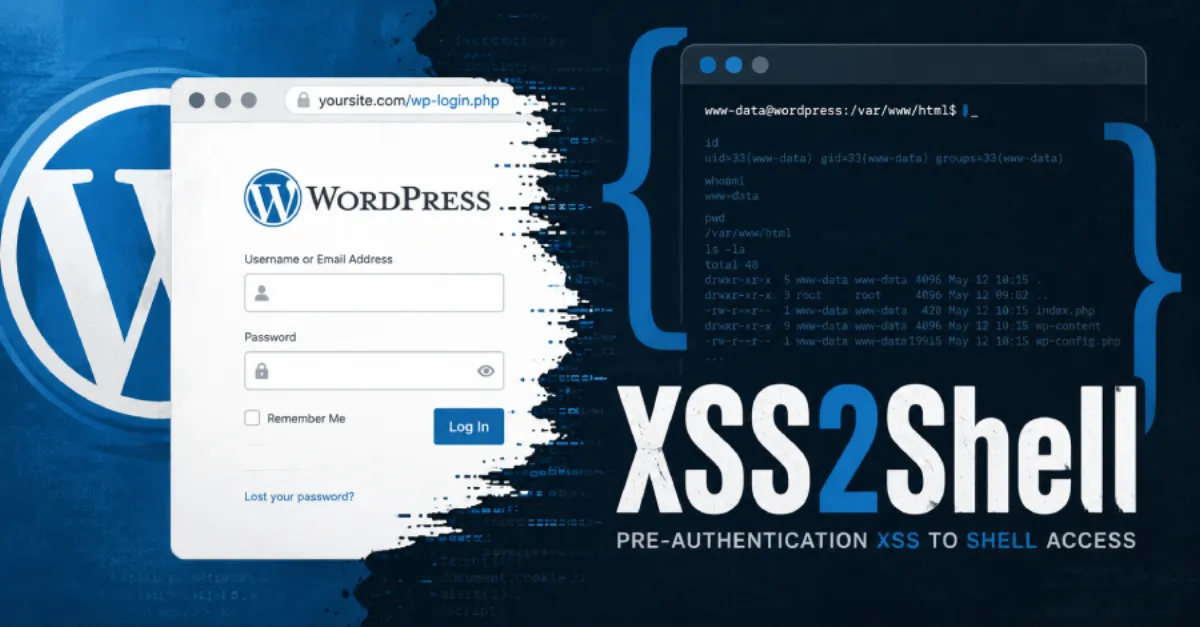
Critical WordPress Pre-Authentication XSS Flaw Opens Door to PHP Code Execution – Patch Now
A severe cross-site scripting vulnerability in WordPress allows attackers to inject malicious code without logging in, potentially escalating to full server control. Website owners must apply the patch immediately.
A newly discovered security vulnerability in WordPress puts millions of websites at risk by allowing attackers to execute malicious code without any prior authentication. This flaw, a stored cross-site scripting (XSS) vulnerability, can be exploited before a user logs in — meaning even sites with no public-facing forms are potentially exposed. If left unpatched, the vulnerability could serve as a stepping stone to full PHP code execution on the hosting server, giving attackers the ability to deface websites, steal sensitive data, or implant backdoors.
Cross-site scripting, commonly called XSS, is a type of security weakness that lets an attacker inject harmful scripts into web pages that other people's browsers will then run. A pre-authentication XSS means the attack can happen before a visitor supplies any credentials, such as a username and password. In this case, the malicious payload is stored on the server, so anyone visiting the compromised page would have the script executed in their browser. For WordPress site owners, this is particularly dangerous because an administrator who visits an infected page could unwittingly provide the attacker with full control over the site.
The escalation from an XSS vulnerability to PHP code execution is a critical risk that security researchers have highlighted in many WordPress incidents. PHP is the programming language that runs WordPress itself. If an attacker can trick an administrator into performing actions within the WordPress dashboard — for example, by clicking a link while logged in — the attacker's script can modify plugin or theme files to inject their own PHP commands. This effectively gives them the same level of access as the web server, enabling them to manipulate databases, create new administrator accounts, or turn the compromised website into a launchpad for further attacks.
WordPress security patches are typically rolled out automatically for minor updates, but major releases and some plugin updates may require manual intervention. The discovery of this pre-auth XSS underscores the importance of applying updates as soon as they become available. Delaying even by a few hours can leave a window open for automated attacks that scan the internet for vulnerable sites. Since WordPress powers over 40% of the web, weaknesses like this attract immediate attention from cybercriminals and are rapidly incorporated into exploit kits.
For site owners and administrators, the immediate action is to verify that their WordPress core, themes, and all plugins are running the latest versions. If a specific patch has been issued for this vulnerability, applying it should be the top priority. In addition, implementing a web application firewall (WAF) can help filter out malicious requests even before a patch is deployed. Many managed hosting providers, including AEU Hosting, automatically apply critical security updates and deploy firewall rules to shield customers’ sites from emerging threats, reducing the burden on individual site owners and giving them vital time to respond.
Beyond patching, a robust security posture includes regular backups, monitoring for unauthorized changes, and using strong, unique passwords. This incident serves as a reminder that website security is not a one-time task but an ongoing process. By staying informed and acting quickly, site owners can protect their online presence from being compromised by this and future vulnerabilities.
How to Protect Yourself
- Immediately update your WordPress software, themes, and plugins to the latest versions using the dashboard update area.
- Turn on automatic updates for WordPress in your dashboard settings so future security fixes are applied without delay.
- Install a reputable security plugin that includes a firewall to block known attack patterns before they reach your site.
- Regularly back up your entire website, including files and database, so you can restore it quickly if something goes wrong.
- Check your WordPress admin user list and remove any unfamiliar accounts, then change all passwords to be long and unique.