
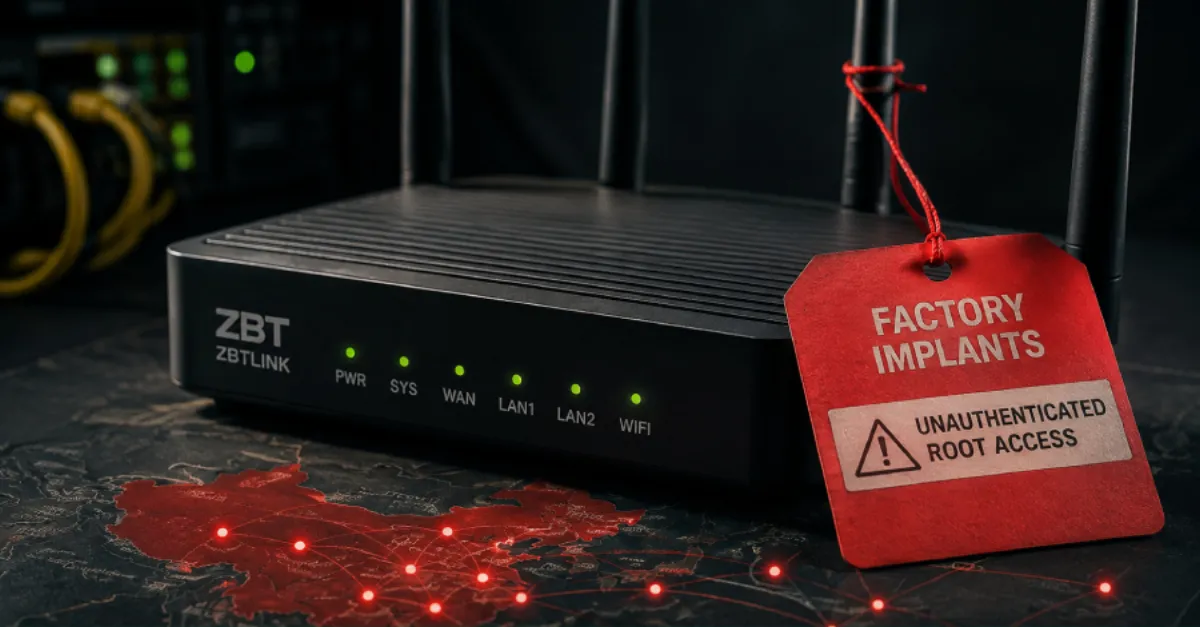
ZBT Routers from China Found with Preinstalled Backdoors That Give Attackers Full Control Without a Password
Security researchers report that some ZBT routers manufactured in China ship with two hidden implants, allowing unauthenticated attackers to take full root control of the device.
Security researchers have warned that certain ZBT brand routers manufactured in China are being shipped with two separate hidden implants already installed on the device. An implant is a piece of software that sits silently and gives an outside attacker a way back in. The report explains that these implants allow unauthenticated attackers, meaning people who do not need to know any password, to gain root access. Root access is the highest level of control over a computer or network device; it lets an attacker change any setting, read any file, install new programs, or even turn the router into a tool for further attacks.
ZBT routers are often sold as original equipment manufacturer devices, which means other companies rebrand them and sell them under different names. This makes the problem wider than a single model or brand. The two implants described in the disclosure effectively act as backdoors. Because they are already present when the device is first powered on, this is a classic supply chain attack: malicious code is added during manufacturing or in the supply chain before the product reaches the customer. A backdoor bypasses normal security checks, so an attacker who knows about the hidden code can connect remotely without needing the owner's username or password.
For website owners, businesses and IT teams, a compromised router is more than an inconvenience. Routers are the gateways between internal networks and the public internet. If an attacker controls a router, they can watch unencrypted traffic, redirect users to fake websites, steal login details, or change the DNS settings. DNS, the Domain Name System, is the internet's address book that turns domain names into numeric IP addresses. An attacker who changes DNS settings on a router can silently send every device on that network to malicious copies of real websites, even if those websites use HTTPS, because the user is actually talking to a different server. For a business that runs a website, a compromised office router could be used to steal credentials for the hosting control panel or content management system.
Detecting these implants is difficult for an ordinary user. The device may appear to work normally, with no visible error messages or slow performance. Because the malicious code sits in the device's firmware, which is the permanent software that controls the router's most basic functions, a simple reboot or factory reset may not remove it if the firmware itself has been altered. This is why security researchers usually advise affected users to check for official firmware updates from the device maker and apply them only from trusted sources. However, if a vendor does not provide a clean firmware image, the only safe fix is to replace the hardware.
For businesses that manage many routers or firewalls, inspecting every device by hand is not realistic. AEU Group's AEU-I service, which offers security-first IT and infrastructure consulting, can help with reviews that look for unexpected firmware changes and configuration anomalies across network equipment, reducing the chance that a hidden implant goes unnoticed. The key is to treat networking hardware as a security boundary, not a set-and-forget box. Regularly updating firmware, changing default passwords, turning off remote management, and monitoring outbound traffic are all practical steps that reduce the risk from this kind of preinstalled backdoor.
How to Protect Yourself
- Log in to your router's settings and change the default administrator password to a long unique one, because default passwords are often known to attackers.
- Turn off remote management (sometimes called WAN access) on your router so nobody outside your home or office can reach its settings page.
- Check for firmware updates from the official ZBT website or your router vendor, and apply them only if you are sure they are genuine.
- If your router is a ZBT model and no official fix is available, consider replacing it with a well-supported brand and recycle the old one responsibly.
- Keep an eye on the list of devices connected to your network and investigate any device you do not recognize.
- Change the DNS servers on your router to a trusted, security-focused DNS service to reduce the chance of malicious redirects.