
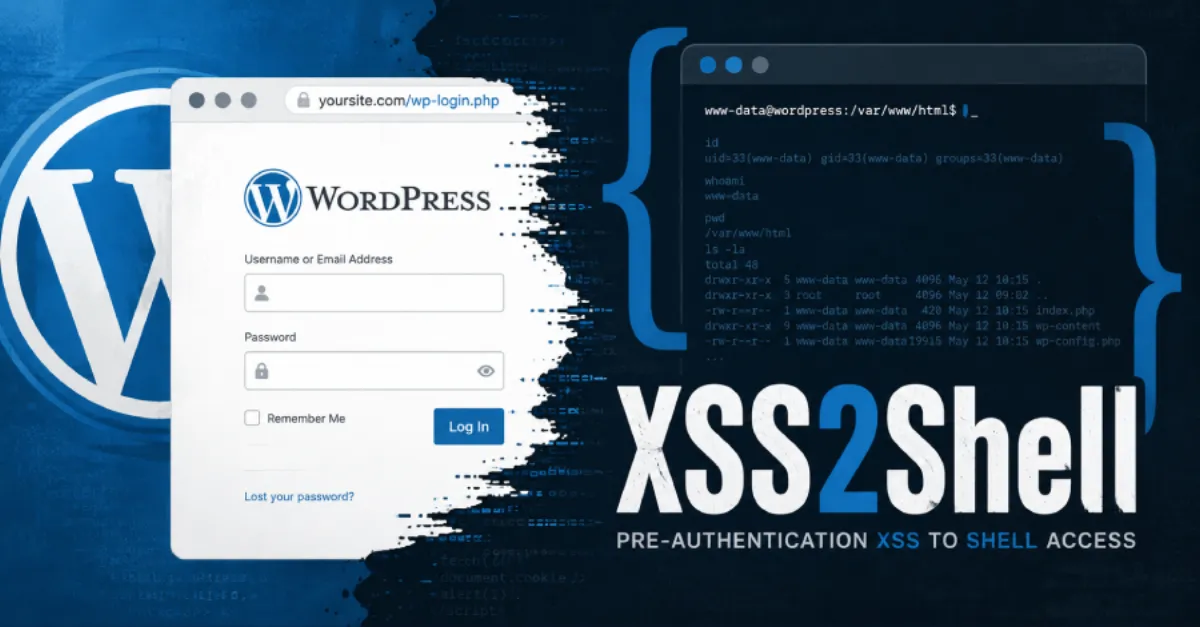
WordPress Users Urged to Update Immediately: Unauthenticated XSS Flaw May Enable PHP Code Execution
A new WordPress security issue lets attackers inject malicious scripts without logging in, potentially leading to server takeover through PHP code execution. Site owners should apply the patch right away.
Website owners using WordPress have been alerted to a newly disclosed security weakness that affects the platform's handling of user input before authentication. The issue, described as a pre-authentication cross-site scripting (XSS) vulnerability, could allow an attacker to inject malicious scripts into pages viewed by site administrators or visitors. Because the flaw can be triggered without anyone logging in, it poses a higher risk than typical XSS bugs that require an attacker to already have access. In the worst case, security researchers warn, an attacker could chain this weakness with other actions to execute PHP code on the underlying server, effectively taking over the website.
To understand the danger, it helps to know what these terms mean. Cross-site scripting, or XSS, is a type of attack where harmful code is placed into a website and then runs in the browser of someone who visits that page. Usually this code is JavaScript, which normally cannot directly control the server. However, if an attacker can trick an administrator into viewing a page with the injected script, the script can steal the administrator's session cookie, a small file that proves the admin is logged in. With that cookie, the attacker can impersonate the administrator, log into the WordPress dashboard, and from there install malicious plugins or modify theme files. Those actions can then lead to execution of PHP, the programming language that powers WordPress itself. Once PHP code execution is achieved, the attacker has the same control over the server as the site owner.
Pre-authentication XSS is particularly concerning because the attacker does not need any credentials to start the attack. A malicious link or a crafted form field could be enough to trigger the script. This means that any WordPress site running a vulnerable version, even one with strong passwords, could be exposed. The impact extends beyond the individual site: a compromised website can be used to host phishing pages, distribute malware to visitors, or send spam. Search engines may blacklist the site, and visitors' devices can be infected. For hosting providers, a compromised site on a shared server can sometimes affect neighbouring accounts if the server environment is not properly isolated, which is why managed hosts often take immediate action to patch such flaws.
WordPress's security team typically responds to these reports by releasing a patched version of the core software. Site owners are advised to update to the latest version of WordPress as soon as possible. In addition, themes and plugins should be updated, because attackers often look for older, vulnerable components. Automatic background updates, which WordPress supports for minor security releases, can reduce the time between a patch being published and it being applied. Website administrators should also review user accounts for unexpected new administrators and check recently modified files for signs of tampering.
For those who want to reduce the burden of constant security maintenance, managed WordPress hosting platforms such as AEU Hosting apply security patches automatically and monitor for common attack patterns, helping close vulnerabilities like this before attackers can take advantage. Regardless of how you host your site, the current advisory is clear: update now and verify that your site is running the latest secure version.
How to Protect Yourself
- Go to your WordPress dashboard, click Updates, and install any available WordPress, theme, or plugin update right away.
- Turn on automatic updates for WordPress core and plugins in your dashboard settings so future security fixes are applied without you having to remember.
- Enable two-factor authentication for your WordPress admin account using a plugin or your hosting provider's tool, which asks for a second code even if someone steals your password.
- Check your WordPress user list for any administrator accounts you do not recognize and delete them immediately.
- After updating, scan your site with a security plugin such as Wordfence or Sucuri to look for signs that it was already compromised.
- If you use a managed WordPress host, check with them whether the patch has already been applied to your site.