
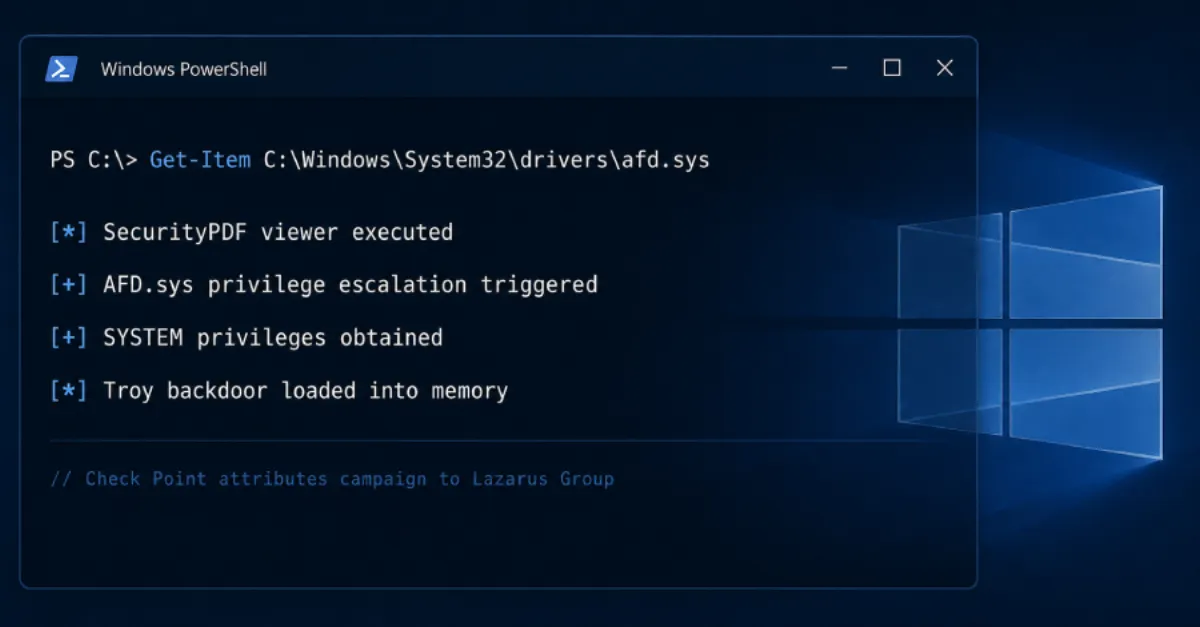
Windows Zero-Day Lets Lazarus Take Over Systems and Plant Backdoor
Attackers from the Lazarus group have used a previously unknown Windows flaw to seize full control of computers and install hidden remote access, according to a new report.
The Lazarus group has been observed exploiting a zero-day vulnerability in Windows to obtain SYSTEM-level access and deploy a backdoor, according to a report by The Hacker News. A zero-day vulnerability is a security flaw that is unknown to the software maker and therefore has no official fix (also called a patch) at the moment it is used in an attack. Because no patch exists, systems remain exposed until the vendor releases an update and administrators install it.
Gaining SYSTEM access means the attacker obtains the highest level of privileges on a Windows computer or server. With this level of control, an intruder can read and copy any files, create new user accounts, disable security software, and change system settings without restriction. For a business, this can mean complete compromise of a machine that stores customer data, runs a website, or manages domain name system (DNS) records. DNS is the internet phonebook that turns website names into numeric addresses computers use. If that machine is a web server or an administrator workstation used to manage a hosting account, the attacker may be able to alter the website, steal login credentials, or move deeper into the company network.
The second part of the attack involves deploying a backdoor. A backdoor is a hidden method of access that allows the attacker to return to the compromised system later, even after the original vulnerability is fixed or the system is rebooted. Backdoors often hide in legitimate-looking files or processes, making them difficult to detect without specialized security tools. Once a backdoor is in place, the attacker can quietly maintain access for weeks or months, stealing information, sending spam, or using the server to attack other targets.
For website owners and hosting providers, this type of compromise is particularly serious. Many small businesses manage their websites from Windows computers, and if that computer is infected, the attacker can capture the password to the hosting control panel or content management system. From there, they can modify web pages, inject malicious code that infects visitors, or redirect customers to fraudulent sites. In a shared hosting environment, a single compromised server can affect many unrelated websites at once.
Defending against a zero-day is difficult because there is no patch on day one. However, basic security practices reduce the damage. Keep Windows and all software updated automatically so fixes install as soon as they are released. Use a standard user account for daily work instead of an administrator account, and only enter administrator passwords when absolutely necessary. Back up website files and databases regularly to an offline location, and monitor server logs for unexpected changes. For businesses that need help with Windows server and workstation security, AEU-I provides security-first IT and consulting to identify vulnerable systems, prioritize patching, and harden configurations before attackers can exploit them.
The fact that this is a zero-day means that traditional antivirus signatures may not catch the exploit at first. Security teams rely on behavior-based detection, such as monitoring for unexpected privilege escalation or new services starting on a server. For non-technical website owners, the most practical step is to ensure their hosting provider applies security updates promptly and to enable any available web application firewall. If you manage your own Windows server, subscribe to security bulletins and apply updates the same day they are released.
Because backdoors can survive reboots, simply restarting a computer or reinstalling one program may not remove the attacker. A full wipe and restore from a clean backup is often needed after a SYSTEM-level compromise. For website owners, this means keeping offline backups is critical, because restoring the site from a known-good copy may be the only way to guarantee the backdoor is gone. Similarly, changing all passwords after a suspected breach is essential, because the attacker may have captured credentials.
How to Protect Yourself
- Turn on automatic updates for Windows and all your software, and install updates as soon as they appear.
- Use a normal, limited user account for everyday work instead of an administrator account on your computer.
- Make regular backups of your website files and database, and store them somewhere separate from your main computer.
- Change all passwords for your website, hosting control panel, and computer if you notice anything suspicious.
- Enable two-factor authentication on your website admin and hosting account, so a password alone is not enough to get in.
- Ask your hosting provider whether they apply security updates to the server automatically, and switch providers if they do not.