
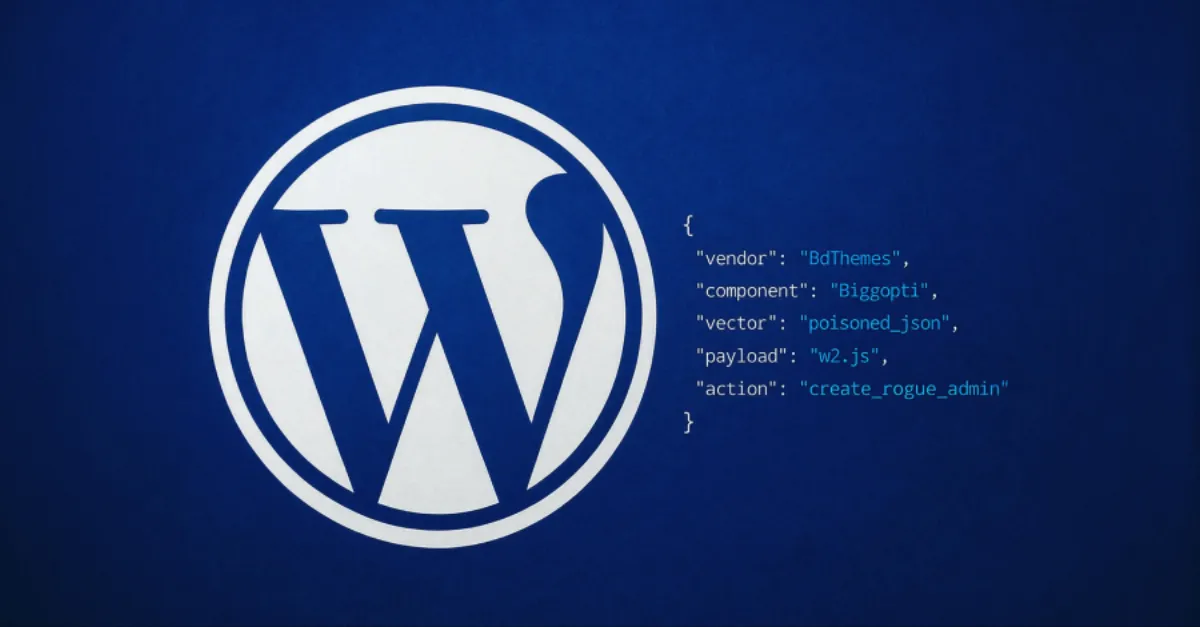
BdThemes Supply Chain Breach: Tampered JSON Files Create Unauthorized WordPress Admin Accounts
Attackers have compromised BdThemes products to inject malicious JSON, resulting in rogue administrator accounts on WordPress sites. Site owners should check user lists and update affected components immediately.
A newly disclosed supply chain attack has hit BdThemes, a company that develops WordPress themes and plugins. According to a report by The Hacker News, attackers were able to poison JSON files distributed as part of BdThemes products. The malicious JSON creates rogue administrator accounts on WordPress websites that use the affected themes or plugins. This gives the attackers high-level control over those sites without the real owner's knowledge.
A supply chain attack is a serious type of cyberattack because it targets a trusted software vendor or update channel rather than individual website owners. Criminals break into the vendor's systems or tamper with the files before they are downloaded. When customers install or update the compromised product, they unknowingly bring the attacker's code or data into their own website. In this case, the poisoned component is a JSON file. JSON stands for JavaScript Object Notation. It is a simple text format used to store and share structured information, such as settings, lists, or configuration details. Many WordPress plugins and themes rely on JSON files to keep track of user roles, layout options, and other data.
By altering a JSON file that WordPress reads during installation or activation, attackers can silently add a new user account with administrator privileges. To an ordinary website owner, this account may look like any other administrator, but it is controlled by the criminal. A rogue administrator can install malicious plugins, change the website's content, steal customer information, or lock out the legitimate owner. Because the change happens through a trusted update process, the site owner may not see any warning or error message. The malicious JSON blends in with normal files and does not require direct access to the website's database.
The impact of such a breach can be severe. Once attackers have administrator access, they can turn the website into a platform for sending spam, hosting phishing pages, or spreading malware to visitors. Search engines may blacklist the site, causing a sharp drop in traffic and revenue. Customer data, including names, email addresses, and payment details, can be stolen and sold. For a business, a compromised website can mean lost sales, legal trouble, and a damaged reputation that takes years to repair. Even after the rogue account is removed, attackers may have left hidden backdoors that allow them to return later.
Website owners who use BdThemes products should act quickly. Log in to the WordPress dashboard and check the Users section for any administrator accounts that you do not recognize. If you find one, delete it immediately and change all passwords, especially for other administrator accounts. If you use any BdThemes theme or plugin, deactivate it until you can update to a clean version provided by the vendor or the official WordPress repository. Make a full backup of your website before making changes, so you can restore it if something goes wrong. Turning on two-factor authentication (a second code from your phone) for all administrators adds another layer of protection.
Supply chain attacks are hard to prevent on your own, but you can reduce the risk. Keep WordPress core, themes, and plugins updated at all times, and remove any add-ons you no longer use. Monitor your website for unexpected changes and use a security plugin that alerts you when a new administrator account is created. For site owners who prefer to offload these tasks, managed WordPress hosting services like AEU Hosting focus on keeping the core, themes, and plugins updated and hardened, which reduces the chance of falling victim to compromises such as this one.
How to Protect Yourself
- Open your website's admin area, go to the user list, and check for any administrator accounts you don't recognize; if you see one, delete it and then change your own password.
- If your website uses any add-on made by BdThemes, turn off that add-on until you can get a safe, updated version from the official source.
- Before making any changes, save a full copy of your website files and database so you can restore everything if something goes wrong.
- Turn on automatic updates for your website software and add-ons, or ask your hosting company to do it for you.
- Turn on two-factor authentication (a second code from your phone) for every administrator account to stop attackers even if they have a password.