
One-Click Data Theft Risk: Microsoft Copilot Personal Flaws Expose Connected Apps
Microsoft's Copilot Personal assistant reportedly contains flaws that could let attackers steal data from apps linked to it after a user clicks a single malicious prompt or link.
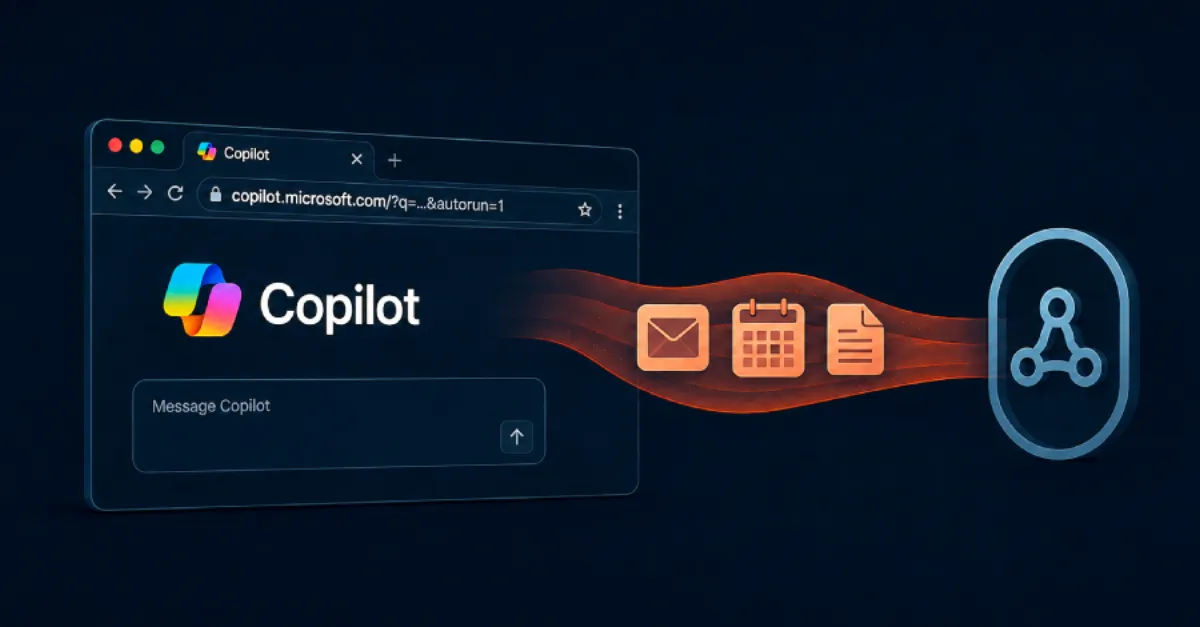
Microsoft Copilot Personal, the AI assistant built into Windows and Microsoft Edge for individual users, has been the subject of a recent security warning. According to a report highlighted by The Hacker News, flaws in the assistant could let an attacker steal data from apps that a user has connected to it with just one click. Copilot Personal can access email, files, calendars and other services through these connected apps, so the potential damage is significant.
Connected apps are third-party services, such as cloud storage drives, webmail accounts or note-taking tools, that a user has linked to Copilot. When you connect one of these apps, Copilot receives a special access token through a standard called OAuth. This token works like a valet key: it lets Copilot read your data or act on your behalf without needing your password. If an attacker can trick Copilot into misusing that token, the assistant could silently copy private information and send it to a location controlled by the attacker.
The one-click exfiltration described in the report relies on a technique called prompt injection. Prompt injection happens when hidden instructions are placed inside content that the AI assistant later reads. For example, a malicious document stored in a connected app could contain text that tells Copilot to forward other files to an outside website. If a user clicks a Copilot-generated suggestion or a link related to that document, Copilot might follow those hidden instructions and carry out the data transfer. In this scenario, the user does not need to manually download or share anything; a single click in the assistant interface could be enough.
For website owners and IT teams, the risk goes beyond personal inconvenience. Employees may use Copilot Personal on work laptops or connect it to business accounts, even if company policy discourages it. If a connected app holds customer records, invoices or internal documents, a successful attack could expose sensitive business data. The issue also highlights a broader weakness of AI assistants: they are only as secure as the data they read and the permissions they hold. A malicious link inside a connected email, calendar event or cloud file could become a pathway for data theft.
The public report cited by the source does not list specific CVE identifiers or Microsoft Knowledge Base numbers, so there is no single named patch to reference. That makes proactive security habits even more important. Users can immediately reduce their exposure by reviewing the list of apps connected to Copilot and removing any that are no longer needed. Check what permissions each connected app has been granted and limit them to the minimum necessary. Enable multi-factor authentication on all important accounts, because even if a token is stolen, an extra login step can stop an attacker. Also be cautious about clicking on unusual prompts inside Copilot, especially if they ask to share data or open an unknown website.
Businesses and website owners should consider adding oversight for AI tool usage. AEU-I, the security-first IT and consulting arm of AEU Group, helps organizations audit application permissions, monitor access to connected services and enforce least-privilege policies for tools like Copilot. This kind of review can catch risky integrations before they turn into a breach. For everyone else, staying alert and keeping software updated is the first line of defense.
How to Protect Yourself
- Check which apps are connected to Copilot and remove any you no longer use or recognize.
- Be careful about clicking suggestions or links inside Copilot, especially if they ask you to confirm a data transfer.
- Turn on two-factor authentication for your important accounts that are connected to Copilot.
- Review the permissions you gave Copilot for each connected app and revoke anything that is not needed.
- Keep your operating system, browser and Microsoft apps updated so security fixes are installed promptly.