
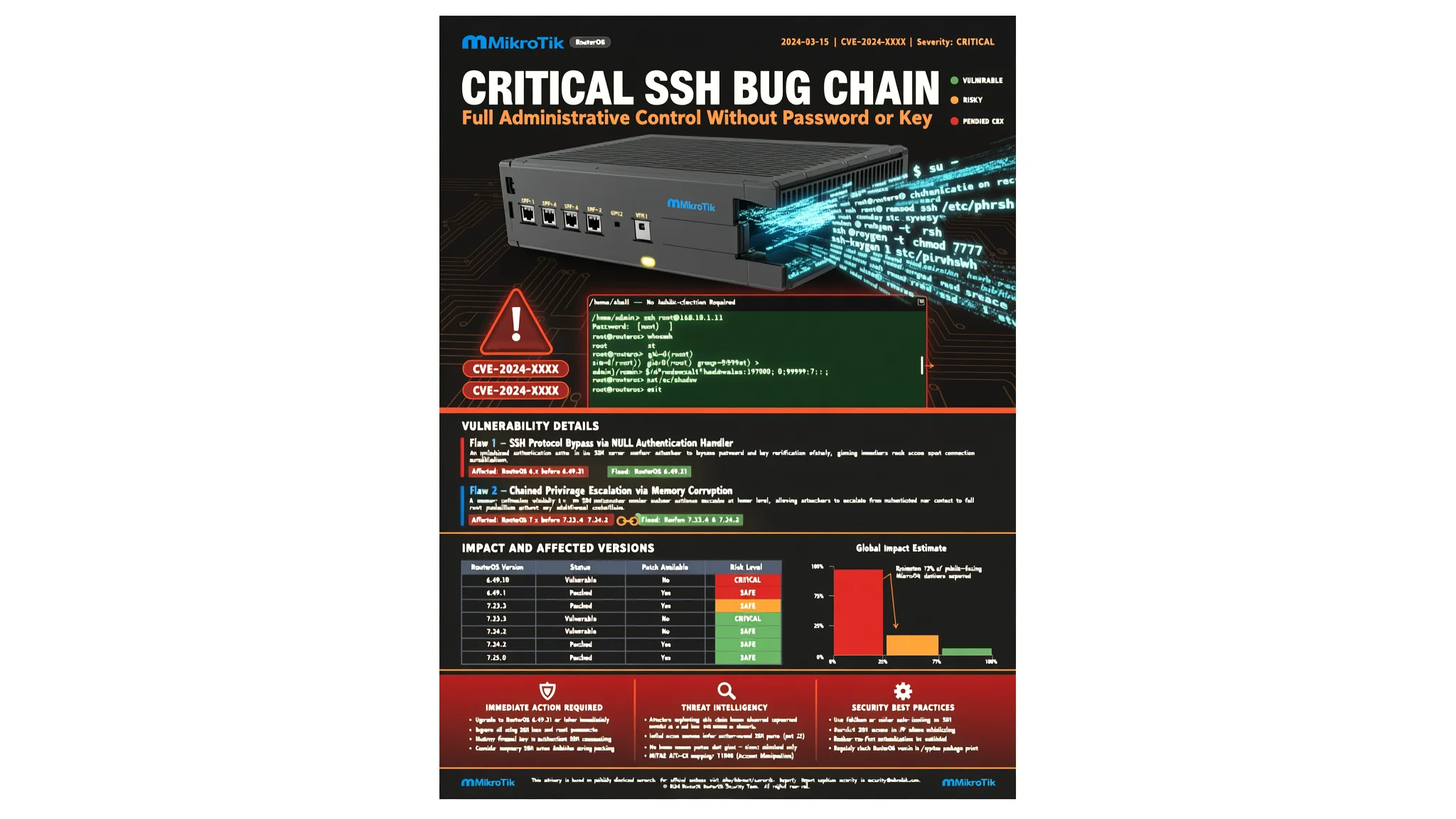
MikroTik SSH Bug Chain Grants Admin Access Without Password
Two chained MikroTik RouterOS SSH flaws let attackers take full admin control without a password or SSH key; patches are in RouterOS 6.49.21, 7.23.4, and 7.24.2…
Security researchers at CERT Polska have documented a pair of MikroTik RouterOS vulnerabilities that can be chained together to give an attacker full administrative control of an internet-exposed router without a password, an SSH key, or any completed login. The technique, named MikroTrick, combines an SSH state-machine flaw tracked as CVE-2026-67279 with an argument-injection bug in the RouterOS login process tracked as CVE-2026-86060. MikroTik shipped fixes in RouterOS versions 6.49.21, 7.23.4, and 7.24.2 on September 3, one day after attack logs matching the pattern appeared on the MikroTik forum. The Hacker News reported on the technical analysis, which CERT Polska released after earlier warning on September 5 that attackers were already exploiting RouterOS flaws to take over devices with SSH reachable from public networks.
SSH, or Secure Shell, is a widely used protocol that creates an encrypted connection for remote login and command execution. In normal operation it has three steps: establish the encrypted connection, authenticate the user (prove who they are with a password or key), and only then allow the client to open a session and run commands. The server sends a specific confirmation message after authentication succeeds. CVE-2026-67279 breaks this sequence. If a client starts an SSH key renegotiation during authentication, vulnerable RouterOS moves straight to the command phase when renegotiation finishes, without ever confirming the user's identity. The flaw does not create an authenticated session or grant privileges by itself, but it allows an unauthenticated client to reach a stage that should require completed login.
CVE-2026-86060 turns that access into full administrative control. RouterOS launches a login program called /nova/bin/login that receives the username and a privilege level from the SSH daemon as command-line arguments, without checking the username first. A value beginning with a hyphen is treated as a program option rather than a name. The attacker sends -2 as the username. The login program treats this as an instruction to read its identity and privilege level from file descriptor 2 (a number the operating system uses to refer to an open file or terminal, in this case the terminal). Through the SSH channel, the attacker has already written a chosen username and the privilege value for full administrative access to that terminal. The login program accepts both and opens a fully privileged console.
The chain leaves a distinctive trace: a failed login attempt for the username -2. CERT Polska said logs matching this pattern appeared on the MikroTik forum as early as September 2, one day before patches became available, and the team believes the chain was exploited before MikroTik released the fixes. A diagnostic report shared on the forum shows an attack sequence on one device: rejected authentication for -2, a forced renegotiation, a jump to the channel phase, and an exec request attempting to create a user called ops with full privileges. The SSH process crashed before the command completed on that particular device. Other reports confirmed that the ops account was successfully created on affected devices. In some incidents, CERT Polska found diagnostic-file creation followed by data transfers to an attacker IP address, strongly suggesting that configuration data was copied to the attacker's infrastructure. On September 10, the U.S. Cybersecurity and Infrastructure Security Agency (CISA) added CVE-2026-86060 to its Known Exploited Vulnerabilities catalog, independently confirming active exploitation of the argument-injection flaw.
Some publications have incorrectly included a third identifier, CVE-2026-67276, as part of the chain. CERT Polska says that flaw is a separate SSH vulnerability that lets an attacker forge an RSA key to log in as an existing user. It requires knowledge of the account name and its public key, and it gives access only to that account, not full takeover.
The attack requires the router's SSH service to be reachable from the attacker. MikroTik says its default home configuration does not expose SSH to the Internet, but administrators who changed firewall rules or manage devices over SSH from untrusted networks face higher risk. No authoritative count of compromised devices has been published. CERT Polska published these indicators from observed attacks: username -2 in SSH login logs, an account named ops in the full privilege group, IP address 82.192.72.4 observed in successful attacks, and IP address 103.102.31.18 used in exploitation attempts. Administrators should also look for unknown users, scripts, scheduler entries, tunnels, proxies, unexpected .rif diagnostic files, or unexplained fetch activity.
Patching prevents the attack but does not remove changes an attacker made before the update. After updating, administrators should check the Flagged status by running /system/device-mode/print. CERT Polska and MikroTik both say the Flagged mechanism detects only selected traces of compromise, and its absence does not prove the device is safe. If any indicators are present, CERT Polska recommends isolating the device, preserving its logs and configuration, factory resetting it, and rebuilding it from a trusted configuration. All passwords, keys, and other credentials should be changed, and a backup from a compromised device should not be restored. For businesses that need help reviewing remote access rules and patch management across internet-facing devices, AEU-I, the security-first IT, infrastructure and consulting arm of AEU Group, offers independent assessment services.
CERT Polska said it used AI models, including GPT-5.5-cyber and GPT-5.6-sol through the OpenAI GTAC program, alongside locally hosted open-weight models to automate laboratory testing and protocol analysis during the research. Every finding was verified against real RouterOS systems. The Hacker News has contacted CERT Polska and MikroTik for comment on the technical analysis.
How to Protect Yourself
- Update your MikroTik router to RouterOS 6.49.21, 7.23.4, or 7.24.2 right away, whichever is the latest supported version for your device.
- If you do not need to manage your router from outside your home or office network, turn off remote SSH access (the remote login feature) in your router settings.
- After updating, log in to the router and check the user list for any unknown accounts, especially one called "ops" or a login named "-2".
- If you find anything suspicious, back up your settings, then perform a factory reset and set up the router again from scratch; do not restore an old backup.
- Change all router passwords and any private keys you used, because an attacker may have copied them before you patched.
- Keep the router's firewall rules strict and only allow remote management from specific trusted addresses if you must enable it.
Vulnerabilities & Fixes
- CVE-2026-67276 Separate SSH vulnerability that allows forging an RSA key to log in as an existing user; requires knowledge of the account name and public key, and is not part of the MikroTrick chain. View the fix & details →
- CVE-2026-67279 MikroTik RouterOS SSH state-machine flaw that allows an unauthenticated client to reach the command phase after key renegotiation during authentication; fixed in RouterOS 6.49.21, 7.23.4, and 7.24.2. View the fix & details →
- CVE-2026-86060 Argument-injection bug in the RouterOS login process that allows a -2 username to read full administrative privilege level from file descriptor 2; fixed in the same patched RouterOS versions. View the fix & details →
Terms Explained
- SSH Secure Shell, a common way to remotely log in to a device over an encrypted connection.
- RouterOS The operating system that runs on MikroTik routers.
- CVE Common Vulnerabilities and Exposures, a unique identifier given to a publicly known security flaw.
- authentication The process of proving who you are before a system gives you access.
- argument injection A security flaw where data meant as normal input is treated as a command option, letting an attacker control what a program does.
- file descriptor A number an operating system uses to refer to an open file or terminal, in this case the terminal session.
- Known Exploited Vulnerabilities catalog A list maintained by CISA of security flaws that are actively being used by attackers.