
Chrome Windows Zero-Day Chain Used in Fake Site Attacks
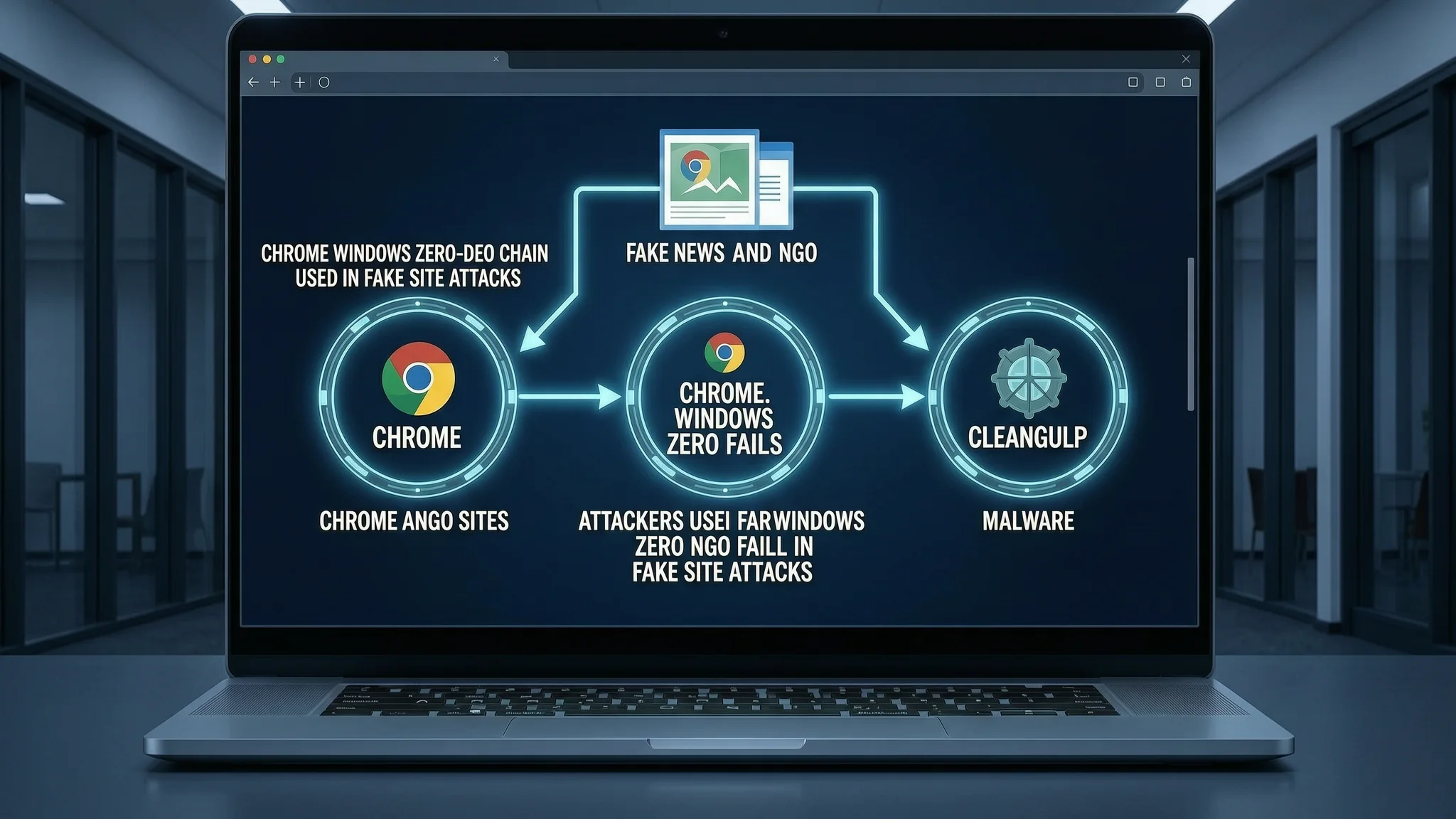
Attackers used fake news and NGO sites to chain three Chrome and Windows zero-day flaws and install CLEANGULP malware.
A Chrome and Windows zero-day exploit chain made up of three recently disclosed vulnerabilities has been observed in the wild through fake websites that install a malware family called CLEANGULP, according to research published this week by Volexity. The attacks took place on September 3 and 4, 2026, and chained two flaws in Google Chrome and one in a Windows component called Advanced Local Procedure Call, often shortened to ALPC. A zero-day is a security weakness that attackers use before the software maker has a fix ready, and an exploit chain links several flaws together so that an attacker can take over a system step by step. The result here was remote code execution, meaning the attacker could run their own programs on the victim's computer without needing physical access.
The threat actor behind the campaign is tracked as UTA0565. Volexity researchers Damien Cash and Tom Lancaster noted that UTA0565 masqueraded as various entities, including media organizations and a non-governmental organization, or NGO. Unlike earlier documented attacks, this actor used multiple fake websites to deceive victims. One campaign targeted Asian government entities with Chinese- and English-language phishing emails that urged recipients to support Hong Kong activist Chow Hang-tung and pretended to come from the Center for American Progress, a policy institute also called CAP. Chow had been sentenced to seven years and three months in prison earlier this month, and the messages used that news as a lure. The emails contained spoofed links pointing to domains that were close copies of legitimate sites: chinadigitaltimes[.]top, which replicated China Digital Times, and americanprgoress[.]top, which copied CAP. The square brackets around .top are a common way to write malicious domains without making them clickable.
When a victim visited one of those fake pages, an extra HTML element was loaded through a hidden iframe, an invisible frame embedded in a webpage that can pull in content from another site. That element, named config.html, used a tool called the BlueMoon exploit kit. The kit combined the three flaws: two Chrome vulnerabilities tracked as CVE-2026-85046 and CVE-2026-87491, and one Windows ALPC vulnerability tracked as CVE-2026-85880. The Windows flaw was used to break out of Chrome's sandbox, a built-in security barrier that normally keeps browser processes away from the rest of the computer. After escaping the sandbox, a small piece of machine code known as shellcode downloaded an executable file named chrome_cleanup.exe from the attacker's fake domain.
The downloaded payload is a malware family called CLEANGULP, which Volexity says was built using the Microsoft Visual C Compiler. CLEANGULP supports several commands that give the attacker hands-on control. The shell command lets the attacker run any command on the infected computer. The ps command lists running processes. The upload and download commands move files to and from the victim's machine. The bof command executes a beacon object file, a modular piece of code that can extend the malware's abilities. For command-and-control, the server an attacker uses to send orders to infected machines, CLEANGULP uses a hard-coded domain, thecovnresation[.]com, over standard web traffic known as HTTP. That domain is a deliberate misspelling of theconversation.com, a non-profit media outlet, likely to make malicious network traffic look ordinary.
Volexity said the appearance of the same core exploit kit across multiple threat actors points to a coordinated effort within the Chinese computer network exploitation community, a term for groups that gather intelligence through computer networks. A shared kit was customized and reused by different groups, and the researchers cautioned that the activity documented so far comes from only two organizations' observations. This means the full scope and impact are likely far broader, and other groups could be using the same zero-day chain with different disguises.
For website owners, IT teams and everyday users, this fake website malware campaign highlights two practical risks. First, zero-day flaws in widely used browsers and operating systems mean that a system can be vulnerable before the vendor releases a patch, so layered protection matters. Second, attackers used lookalike domains to imitate trusted news and policy sites, showing that checking the address bar carefully is not optional. Keeping Chrome and Windows updated with automatic updates enabled is the single most important step, because these fixes close the specific flaws once available. Users should also hover over links in unexpected emails to preview the real destination and avoid entering credentials or downloading files from domains they do not recognize.
Organizations that manage many users or public-facing sites can add an extra layer by using a private, secure DNS resolution service such as AEU DNS, which can help filter requests to known malicious domains. This is not a substitute for patching and careful browsing, but it can reduce the chance that a user reaches a lookalike site in the first place.
How to Protect Yourself
- Turn on automatic updates in Google Chrome and install the latest version as soon as you are prompted, because these updates close the specific Chrome flaws used in this attack.
- Turn on automatic updates in Windows and install pending security updates, because the Windows flaw lets attackers break out of the browser's protection.
- Before clicking a link in an email, hover your mouse over it to see the real web address, and be suspicious of small misspellings like .top instead of .com.
- Do not download or run files from unexpected emails, even if they appear to come from a news organization or a non-profit.
- Use a security tool or DNS filtering service that can block connections to known fake or malicious websites.
Vulnerabilities & Fixes
- CVE-2026-85046 A Google Chrome vulnerability exploited in the zero-day chain; applying Chrome security updates mitigates it. View the fix & details →
- CVE-2026-85880 A Windows Advanced Local Procedure Call vulnerability used to escape the Chrome sandbox; applying Windows security updates mitigates it. View the fix & details →
- CVE-2026-87491 A Google Chrome vulnerability exploited in the zero-day chain; applying Chrome security updates mitigates it. View the fix & details →
Terms Explained
- zero-day A security weakness that hackers use before the software company has released a fix.
- exploit chain A sequence of several software flaws linked together so an attacker can take over a device step by step.
- sandbox A built-in barrier in a web browser that keeps web pages from touching the rest of your computer.
- Advanced Local Procedure Call A Windows component that lets programs ask the operating system to perform tasks; the flaw in it allowed attackers to escape the browser's protection.
- shellcode Small pieces of machine code used to start an attack or download more harmful software.
- command-and-control server A computer controlled by attackers that sends orders to infected devices and receives stolen data.
- beacon object file A small, modular piece of code that gives malware extra abilities without changing the main program.
- iframe An invisible window inside a web page that can load content from another website.