
Kaltura mwEmbed Vulnerabilities Let Remote Attackers Access Files and Execute Commands
Unpatched flaws in Kaltura's mwEmbed media toolkit could let attackers read sensitive files or run code on servers. Website owners running Kaltura should watch for updates and secure their environments.
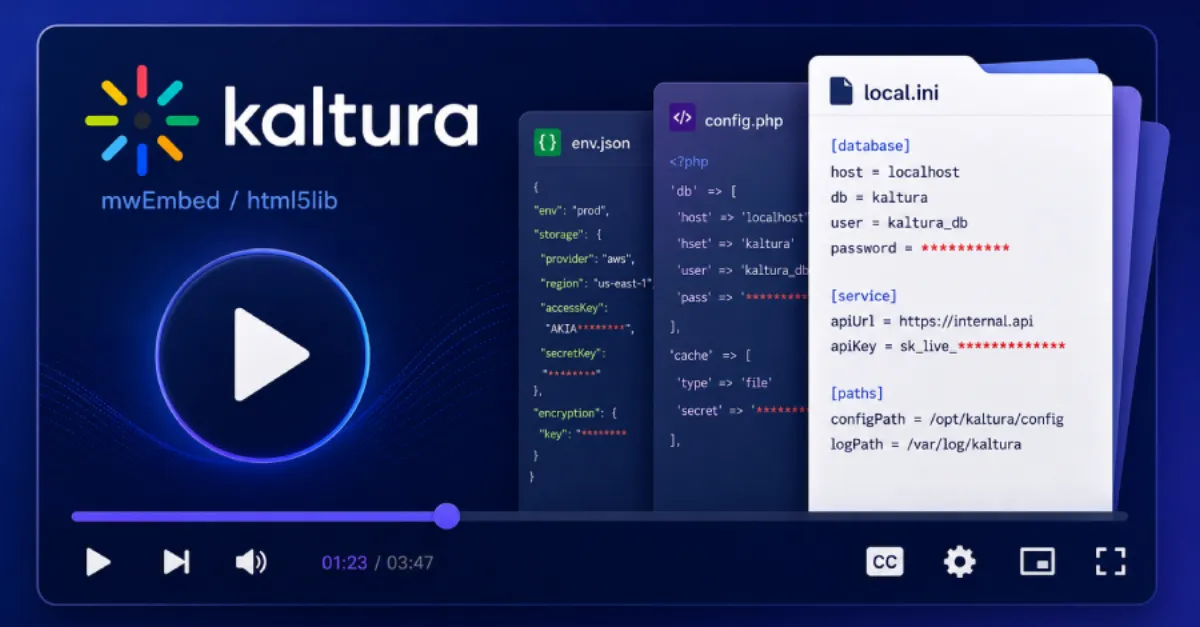
Security researchers have revealed unpatched vulnerabilities in Kaltura's mwEmbed, a widely used open source media embedding toolkit. The flaws could allow remote attackers, meaning people who do not have legitimate access to a server, to read arbitrary files and execute code. In plain terms, an attacker could reach over the internet, pull files from the server that should stay private, and in some cases run their own commands on the machine. That is a serious combination because it turns a media player component into a door into the underlying hosting environment.
Kaltura is an open source video platform that many websites and organizations use to manage and stream video content. mwEmbed is the component that handles embedding players into web pages. Because it is open source, many site owners install it themselves on their own web servers. The disclosed flaws mean that installations of this software are currently exposed, and since no patch is available yet, the risk remains for every affected setup. The two main problem types are file disclosure and remote code execution. File disclosure lets an attacker request and download files that are not meant to be public, such as configuration files, database credentials, or source code. Remote code execution goes a step further: the attacker can inject and run commands on the server, which can lead to full compromise of the website, the data behind it, and potentially the whole hosting account or virtual machine.
For website owners and businesses, these kinds of vulnerabilities are especially dangerous because video platforms are often connected to user accounts, uploaded content, and backend systems. If an attacker can read files, they can gather passwords and access keys. If they can execute code, they can install backdoors that survive normal cleanup, deface the site, redirect visitors to malicious pages, or use the server to launch further attacks. Because the flaw is in a widely used component, automated scans could quickly pick up vulnerable installations and target them at scale. The fact that no patch exists right now means that merely keeping the software up to date is not a complete solution, as there is no fixed version to update to.
Until an official patch is released, administrators and website owners should monitor Kaltura's security announcements and community channels. They should also review whether mwEmbed is actually needed on every page and restrict access to the media server as much as possible. Web application firewalls, server hardening, and keeping filesystem permissions tight can reduce the chances of file disclosure. Using an isolated server or subdomain for media components can contain the blast radius if an attacker breaks through. Regular backups remain essential, as they allow quick restoration if a site is defaced or files are tampered with.
For website owners who run WordPress or other content management systems with video plugins, it is important to confirm which components rely on Kaltura and mwEmbed. If the site is managed through a hosting provider, the provider may be able to apply virtual patches or block malicious requests at the network level. AEU Hosting's managed WordPress hosting, secured end to end, can help site owners keep their platforms and plugins under a security-focused setup, reducing the likelihood that risky components remain exposed and unmonitored. In general, any organization using an open source media platform should treat unpatched vulnerabilities as an urgent signal to review their exposure and prepare to act the moment a fix becomes available.
How to Protect Yourself
- Check your website or media server for any installation of Kaltura or mwEmbed, and make a list of exactly where it is used.
- Subscribe to Kaltura's security announcements so you learn immediately when a patch is released, then apply it as soon as possible.
- Turn on a web application firewall, if your host offers one, which can block common attack attempts before they reach your server.
- Make sure your server backups run automatically and are stored separately from the live site, so you can restore clean data if an attacker gets in.
- Limit who can access the media server or admin panels by using strong passwords and two-factor authentication, so even if attackers try to exploit the flaw, they cannot easily take over.