
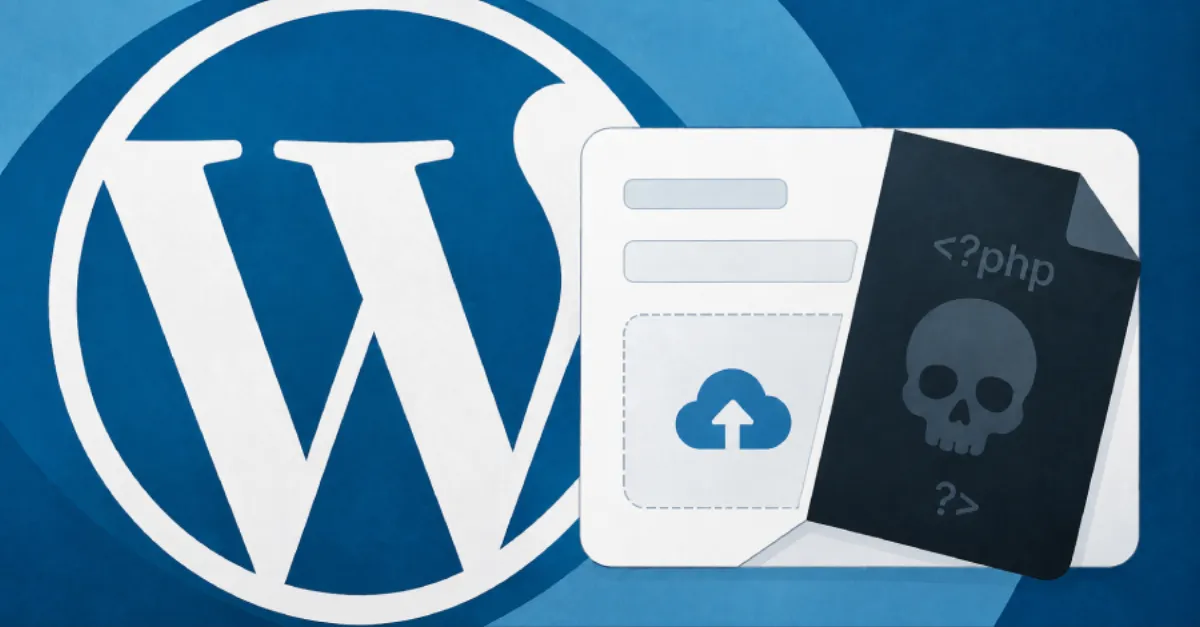
Flaw in Forminator WordPress Plugin Permits Unauthenticated Code Execution via Uploaded PHP
A vulnerability in the Forminator plugin for WordPress could let attackers upload malicious PHP files and run code remotely without a password. Site owners should check for updates and secure their sites.
A newly disclosed security flaw in the Forminator plugin for WordPress can allow an attacker to take over a website without ever logging in. The problem, which allows unauthenticated remote code execution through the upload of malicious PHP files, is serious because it gives an outsider the ability to run commands directly on the server that hosts the site. WordPress powers a large share of websites on the internet, and plugins like Forminator are installed on millions of sites. When a plugin has this kind of flaw, the risk extends far beyond the plugin itself, potentially compromising the entire website, its database, and the hosting account.
Remote code execution, often shortened to RCE, means that an attacker can run their own instructions on the web server. In this case, the instructions are written in PHP, the programming language that WordPress itself is built on. The attack works by uploading a file that contains malicious PHP code, typically through a feature of the plugin that accepts file uploads. Because the request can be made without any login credentials, the attacker does not need a username or password. Once the malicious PHP file is on the server and executed, the attacker can install a hidden backdoor, steal database contents including customer information, modify pages, or use the server to send spam or attack other websites. This is why unauthenticated RCE is considered one of the most severe types of web vulnerabilities.
For website owners and hosting providers, this kind of vulnerability is a top priority. A successful exploit can turn a legitimate website into a platform for further attacks, which can lead to blacklisting by search engines, loss of visitor trust, and costly cleanup. Hosting companies that manage WordPress sites often face a flood of compromised accounts when a popular plugin has a serious flaw. The best defense is to reduce the amount of time a vulnerable version remains active. This requires monitoring plugin security announcements and applying updates promptly. Delaying even by a few days can be enough for automated scanners to find and exploit the weakness across thousands of sites.
At this time, the practical advice for anyone using Forminator is clear. Check the WordPress dashboard for available updates and install them immediately if a patched version is available. If no update is available, consider temporarily disabling the plugin or restricting file uploads to only trusted users. It is also wise to review the website's file system for unfamiliar .php files, especially in the plugin directory. A security plugin or a web application firewall can help block suspicious upload attempts before they reach the site. Regular backups are essential because they allow a quick recovery if a site is compromised despite precautions.
Because plugin vulnerabilities are a leading cause of WordPress compromises, many site owners choose to offload update management to a hosting provider. AEU Hosting, a managed WordPress hosting service, handles plugin updates and security monitoring as part of its platform, which can reduce the window of exposure when a flaw like this is disclosed. For those who prefer a do-it-yourself approach, keeping automatic updates enabled and maintaining regular backups are essential habits. The takeaway for every website owner is simple: when a serious plugin flaw makes headlines, act fast to update, check for signs of intrusion, and apply layers of defense so a single weak point does not bring down the whole site.
How to Protect Yourself
- Go to your WordPress dashboard, click Plugins, and update Forminator to the newest version right away if an update is available.
- If you cannot update the plugin yet, ask your web host to temporarily disable form file uploads or block file uploads from people who are not logged in.
- Use your hosting control panel's file manager to look inside the Forminator plugin folder for any .php files with odd names or dates, and delete anything you did not create.
- Turn on automatic updates for WordPress plugins in your dashboard so security fixes install without you having to remember.
- Before changing anything, make a full backup of your website so you can restore it if the fix goes wrong.