
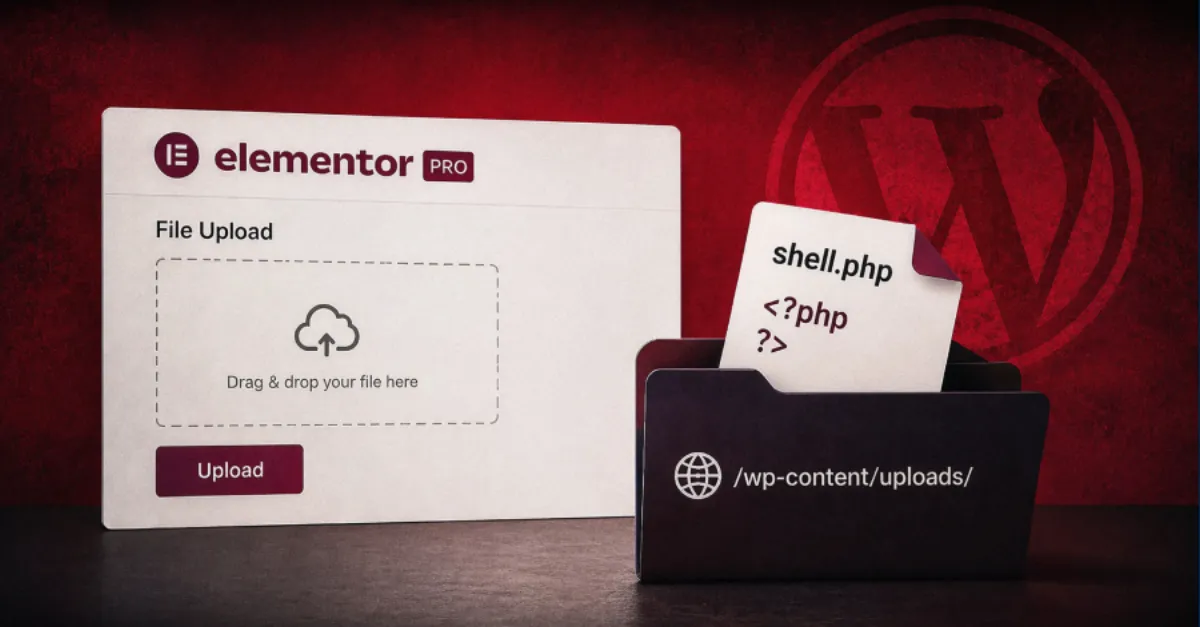
Elementor Pro Vulnerability Exposes WordPress Sites to Unauthenticated Code Execution
A newly reported flaw in Elementor Pro lets unauthenticated attackers upload PHP files and execute code, potentially taking over the site. Update your plugin now.
A new security flaw has been identified in Elementor Pro, the paid version of a popular page builder plugin for WordPress. The flaw, as reported, could allow an unauthenticated attacker to upload a PHP file to the website and then execute that file. This is a critical situation for site owners because with the ability to run PHP code, an attacker can effectively take control of the site.
Elementor is a drag-and-drop page builder used by millions of WordPress sites to create custom layouts. The Pro version adds additional features like theme builder, popups, and form widgets. Because of its wide use, a vulnerability in Elementor Pro can potentially affect a large number of websites.
The specific problem lies in the way the plugin handles certain file uploads. According to the report, the plugin does not properly restrict the types of files that can be uploaded. An attacker who creates a specially crafted request can bypass normal protections and upload a file with a .php extension. On a web server, files ending in .php are executed as PHP script, meaning the code inside them runs. This gives the attacker the ability to run arbitrary PHP code on the server, a scenario commonly known as Remote Code Execution.
The consequences of a successful exploit are severe. With control over PHP execution, an attacker can read or modify any file, steal sensitive data such as user information and database credentials, create new administrator accounts, inject malware into the site, and even use the server as a launching pad for attacks on other systems. For business owners, this could lead to data breaches, loss of revenue, and damage to their reputation.
Site owners are strongly advised to update the Elementor Pro plugin immediately. The latest version should contain a fix that addresses this vulnerability. To update, log in to your WordPress admin area, go to the Plugins section, and check for available updates. If the update is not visible, contact your hosting provider or the plugin vendor. It is also recommended to enable automatic updates for plugins so that security patches are applied as soon as they become available.
Beyond updating, it is wise to perform a security audit of your site. Check for any files that you do not recognize in your WordPress installation, especially in the uploads directory. Use a security plugin or ask a professional to scan for signs of compromise. Remember that if the site has been exploited, you might need to restore from a clean backup.
For those who prefer a hands-off approach, using a managed WordPress hosting service can add an extra layer of protection. AEU Hosting offers managed WordPress hosting that is secured end to end, helping to keep your site safe from such attacks by monitoring for vulnerabilities and providing a hardened environment.
No security measure is perfect, but staying up to date with patches and being aware of the threats is the key to reducing risks. As with any vulnerability, the best defense is to act quickly and ensure that your software is always current.
How to Protect Yourself
- Update the Elementor Pro plugin to the latest version right away from your WordPress dashboard under the Plugins menu.
- Turn on automatic updates for all your WordPress plugins so security fixes are applied as soon as they are released.
- Check your site for unfamiliar files, especially in the uploads folder, and have a security expert investigate if anything looks suspicious.
- Use a reputable security plugin that scans your site for malware and unusual file changes.
- Keep regular backups of your website so you can restore it quickly if you ever suffer a breach.