
ClickFix Campaign Spreads Amatera Infostealer While SynkLoader Targets Windows Passwords
Two malware campaigns show how attackers abuse fake CAPTCHAs and deceptive sign-in prompts to steal Windows credentials and install Amatera.
Two separate malware distribution efforts are currently making the rounds, each with a different way of reaching Windows machines. The first, WordlistLoader, uses a social engineering trick known as ClickFix to install the Amatera information-stealing malware. The second, SynkLoader, focuses on phishing Windows credentials directly from unsuspecting users.
ClickFix is a deceptive technique that has gained popularity among cybercriminals. Victims visit a compromised website and see what looks like a CAPTCHA verification or an error page. Instead of solving a puzzle, they are told to press Windows key + R, open the Run dialog, and paste a command that the website provides. That command downloads and executes a malicious payload. In this case, the payload is Amatera, an infostealer designed to collect login credentials, browser data, and other sensitive information from the infected system.
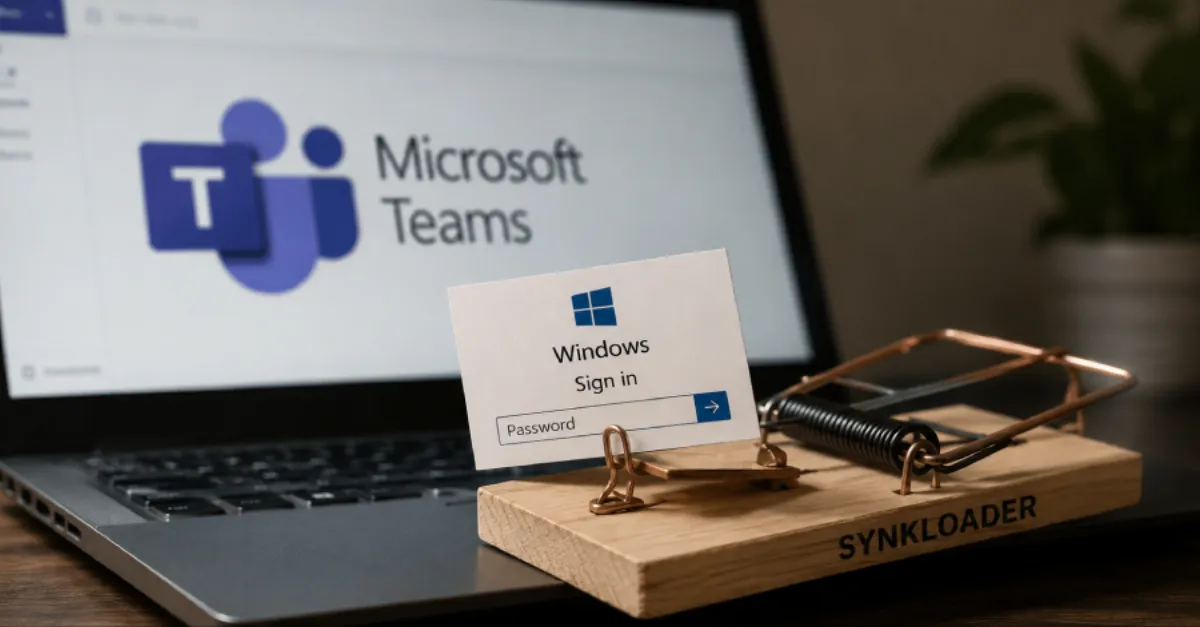
SynkLoader takes a more direct approach. It is a loader that phishing sites use to trick victims into entering their Windows passwords. Loaders are pieces of software that act as a delivery mechanism for other malware. By stealing the Windows password, attackers can potentially log in to the machine remotely, access encrypted files, and move laterally across a corporate network. The exact delivery method for SynkLoader has not been detailed, but phishing pages that mimic legitimate sign-in prompts are a common route.
For website owners and IT teams, these campaigns are relevant because a single compromised password can open the door to a wider breach. If an employee uses the same password for their Windows account and a web application, an attacker who steals it can access email, customer data, and admin panels. Infostealers like Amatera are often used as an initial foothold for ransomware operations, so the stakes are high.
Protection starts with awareness. Anyone who sees a page asking them to paste a command into the Run dialog should close the page immediately. Legitimate CAPTCHAs never ask users to copy and paste text anywhere. Enabling multi-factor authentication on every account that supports it also reduces the value of a stolen password. Keeping browsers and operating systems up to date helps close the vulnerabilities that malvertising and exploit kits frequently use.
Finally, for businesses that manage their own servers and websites, a security-conscious DNS layer can block many of these threats before they arrive. A private DNS service such as AEU DNS filters out known malicious domains, so the ClickFix page or phishing site never loads in the first place. Combined with employee training and regular backups, this provides a practical defense against both Amatera and SynkLoader.
How to Protect Yourself
- Never copy and paste any command from a website into the Windows Run dialog (Windows key + R); close the page right away.
- Turn on multi-factor authentication (MFA) for your Windows account and all important online accounts so a stolen password alone is not enough.
- Use a unique strong password for each account, and manage them with a password manager.
- Keep Windows, your browser, and antivirus software updated automatically to block known malware delivery methods.
- If you run a website, consider using a security-focused DNS provider that filters malicious domains, such as AEU DNS.