
Cavern C2 Hides Command Traffic Inside DNS and Google Apps Script
A new report describes a command-and-control framework called Cavern C2 that abuses DNS lookups and Google Apps Script to disguise malicious communications as normal internet activity, making detection difficult.
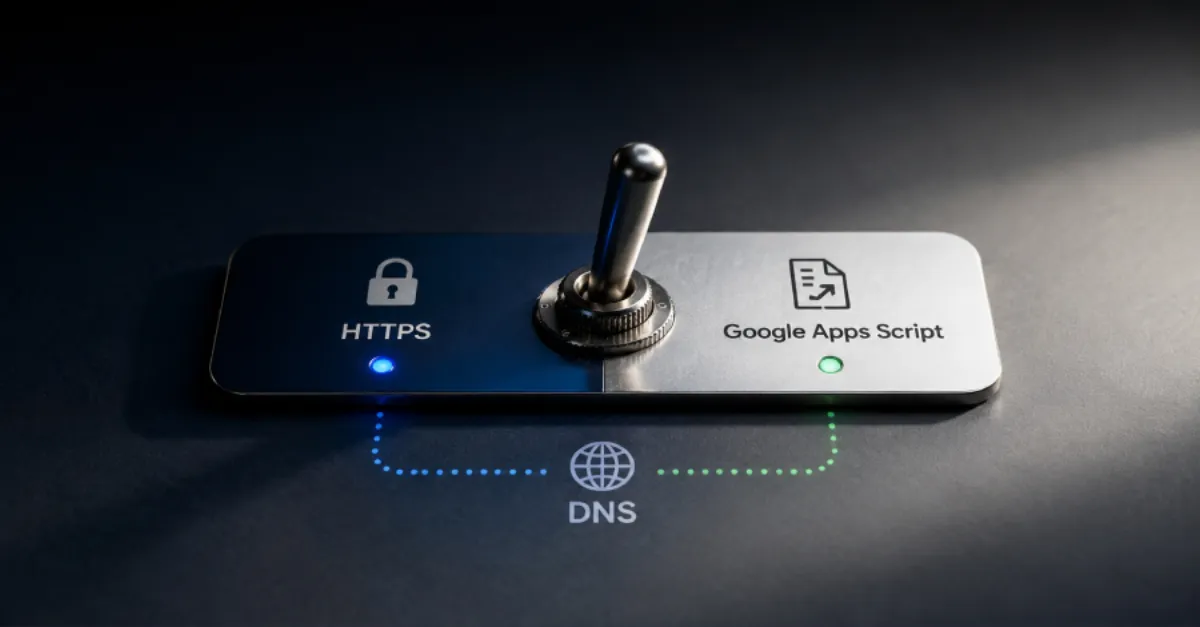
Security researchers have detailed a command-and-control framework named Cavern C2 that uses two everyday internet services, DNS and Google Apps Script, to blend its malicious traffic into legitimate network activity. Command-and-control, often shortened to C2, is the mechanism attackers use to send instructions to computers they have already compromised. DNS, the Domain Name System, acts like a phonebook for the internet by translating human-friendly website names into the numerical IP addresses computers use to connect. Google Apps Script is a cloud-based scripting platform that lets users automate tasks across Google products such as Gmail, Sheets, and Drive. By abusing these trusted services, Cavern C2 aims to avoid detection by security tools that normally look for unusual connections to known bad servers.
The use of DNS for covert communication is not new, but it remains effective. Attackers can hide commands inside DNS requests, a technique often called DNS tunneling. Because DNS traffic is essential for almost every internet activity, many networks allow it to flow freely without deep inspection. A compromised website or server could send small chunks of data, such as stolen files or instructions, inside DNS queries that appear to be ordinary lookups for domain names. This method lets the malware communicate with its operator without establishing a direct connection to an obviously suspicious server. For website owners and hosting providers, this means that a site could be sending data out through a channel that looks completely normal.
Cavern C2 also reportedly uses Google Apps Script as part of its command infrastructure. Google Apps Script runs on Google's servers and is widely used by businesses for legitimate automation. Because the traffic comes from Google's own infrastructure, it is often treated as trusted by corporate networks and security filters. An attacker can create a script that acts as a relay, receiving commands from the operator and passing them to compromised machines, or sending stolen data back. This blending into legitimate Google services makes it much harder for defenders to distinguish malicious activity from normal use of Google Workspace. For a hosting environment, this could mean that a malicious script living in a Google account could be controlling malware on a customer's website without triggering alerts.
For website owners and IT teams, the key takeaway is that threats are increasingly hiding inside legitimate services. Traditional perimeter defenses, such as firewalls that only block known bad IP addresses, are not enough. Instead, organizations need to monitor outbound DNS queries for anomalies, such as unusually frequent or oddly structured domain lookups. They should also review third-party scripts and API integrations, especially those using platforms like Google Apps Script, to ensure only authorized automations are running. Regular audits of DNS logs and cloud service usage can reveal the subtle signs of a C2 channel before significant damage is done. Hosting providers, in particular, should consider offering DNS-level monitoring and filtering to their customers as a baseline protection.
AEU DNS, a private and secure DNS service from AEU Group, can help website owners add an important layer of defense. By routing DNS queries through a security-focused resolver that monitors and filters suspicious lookups, site owners can reduce the risk of malware using DNS tunneling or other covert channels. This is not a complete solution on its own, but combined with regular updates, strong access controls, and careful review of scripts and integrations, it makes it much harder for threats like Cavern C2 to operate unnoticed. As attackers continue to abuse legitimate platforms, the best defense is a combination of awareness, monitoring, and using trusted infrastructure services that put security first.
How to Protect Yourself
- Change your computer or router's DNS settings to use a security-focused DNS service (like AEU DNS) that can block known dangerous website lookups.
- Ask your web hosting provider to help you review the list of internet addresses your website has contacted recently, and look for any that you do not recognize.
- If you use any Google tools that run automated tasks (like scripts), log in to your Google account and review them, deleting any that you did not create.
- Keep your website's software, including any add-ons, up to date so that attackers have fewer weak points to break in.
- Turn on two-step verification for your website hosting account and any Google account connected to it, so that even if someone steals your password they cannot get in.
- If you run a business, keep your website on a separate server or service from your internal company computers, so that an infection on one cannot easily jump to the other.