
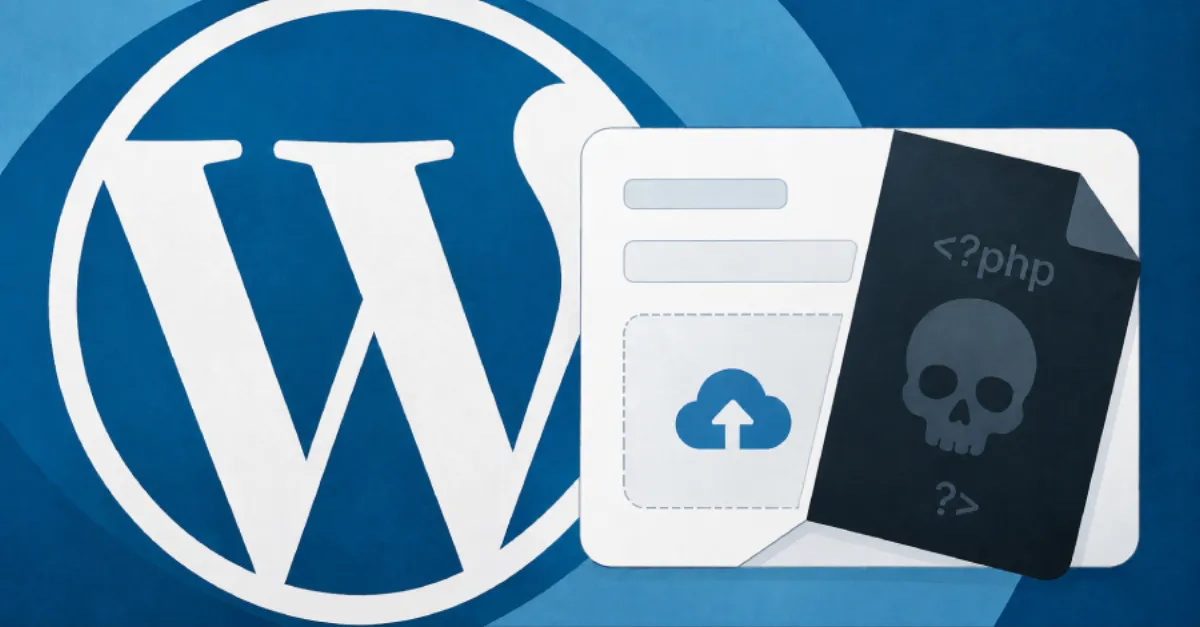
Forminator Plugin Vulnerability Allows Attackers to Run Code on WordPress Sites Without Logging In via Malicious PHP File Uploads
A security flaw in the widely used Forminator WordPress plugin lets anyone upload harmful PHP files without needing an account, potentially giving attackers full control over the web server and the website.
A newly reported security weakness in the Forminator WordPress plugin could let an attacker upload malicious PHP files to a website without first logging in. Forminator is a popular plugin that site owners use to build forms, polls, quizzes and payment pages. The fact that no authentication is required makes this type of flaw especially dangerous, because automated attack tools can target thousands of websites at once. In the wrong hands, this vulnerability can lead to remote code execution, often shortened to RCE, which means an outsider can run their own commands on the web server that hosts the site.
To understand why this matters, it helps to know how WordPress and PHP work. WordPress is a content management system that runs on PHP, a programming language used by many websites. Plugins are add-on pieces of software that give WordPress extra features. When a plugin allows a file to be uploaded, it normally checks that the file is safe and cannot be run on the server. If that check is missing or broken, an attacker can upload a file containing PHP code. Because the web server may then execute that code, the attacker can take control of the site, steal data, change content, or install a backdoor, which is a hidden way to get back into the site later.
The unauthenticated nature of the Forminator flaw removes a major barrier for attackers. Unauthenticated means that no login is required, so anyone on the internet can attempt the attack. With many vulnerabilities, an attacker first needs to obtain a valid username and password. In this case, no credentials are needed, so even a simple script can send a malicious file to a vulnerable site. Website owners should treat this as a high-priority issue. If the plugin is active on a site, an attacker could gain the same level of access as the web server itself, which often includes the ability to read the website's database, modify files, and even use the server to send spam or attack other websites.
WordPress powers a large share of the internet, and its plugin ecosystem is both a strength and a weakness. Plugins like Forminator add convenient features, but every plugin adds code that can contain mistakes. Attackers routinely scan the internet for sites running outdated or vulnerable plugins. Because Forminator is used on many websites, this flaw could affect a significant number of site owners. The safest approach is to keep every plugin updated, remove any plugin that is no longer needed, and watch for unusual files, especially in folders that store uploads. A malicious PHP file in an uploads directory is a common sign that a site has been compromised.
For website owners and IT teams, the key takeaway is that plugin vulnerabilities require immediate action as soon as a fix is published. Even before a patch is available, you can reduce risk by disabling the plugin or temporarily removing it if you do not rely on its features. Check with the Forminator developer or your hosting provider for the latest security advice. For example, AEU Hosting (https://albhosting.eu) offers managed WordPress hosting with end-to-end security, which can help keep plugins patched and servers protected against this kind of threat. Keeping a recent backup is also essential, so that if a site is compromised, you can restore it quickly and cleanly.
How to Protect Yourself
- Update Forminator to the newest version right away if the developer has released a security fix, and turn on automatic updates for all plugins.
- If you are not actively using Forminator, deactivate it from your WordPress dashboard and then delete it to remove the risk.
- Look in your website's upload folders for any files ending in .php that you did not upload yourself, and ask your hosting provider for help if you see anything unusual.
- Make a full backup of your website now, including the database and all files, so you can quickly restore it if it gets hacked.
- Install a reputable WordPress security plugin or web application firewall that can block malicious file uploads before they reach your site.