
Attackers Can Take Over WordPress Sites Without Logging In Through Forminator Malicious PHP Uploads
A serious flaw in the popular Forminator plugin could let attackers run their own code on a WordPress site simply by uploading a harmful file, with no login required.
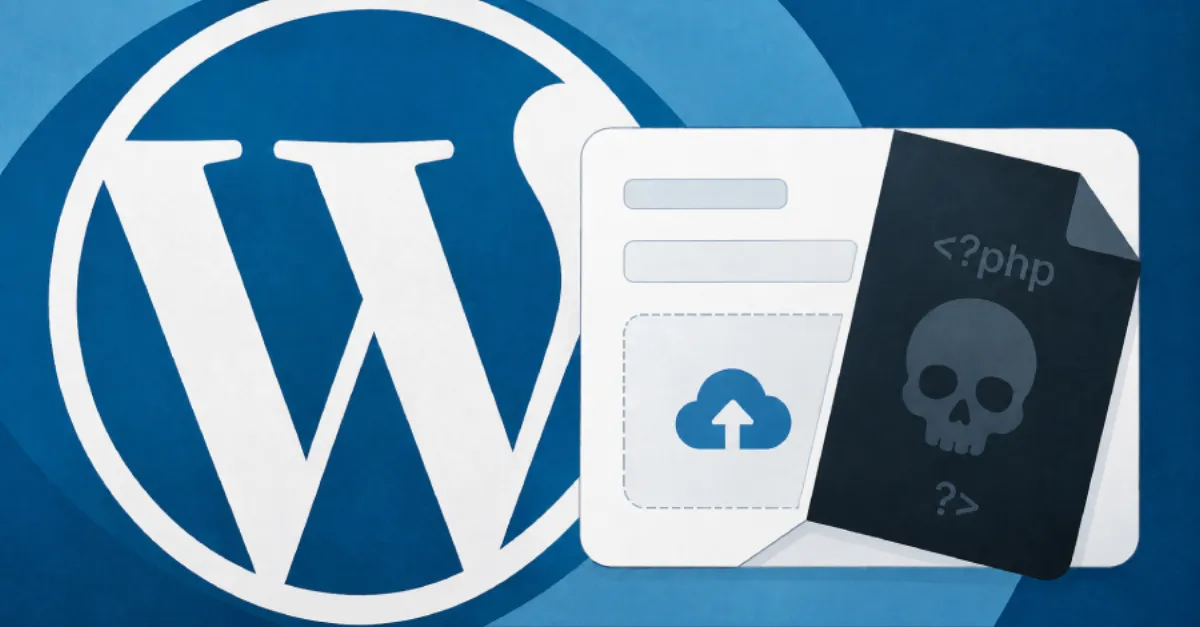
A vulnerability in the Forminator plugin for WordPress can allow an attacker who is not logged in to take over a website by uploading a harmful file. The flaw, described as enabling unauthenticated remote code execution through malicious PHP uploads, is serious because it requires no user account or tricked click. In simple terms, an outsider can send a specially crafted file to a website that uses the Forminator plugin, and if the file is not properly checked, the attacker can make the site's server run their own code.
Forminator is a widely used WordPress plugin that helps site owners build online forms, polls, quizzes and surveys. Many websites rely on it to collect information from visitors, and some forms allow people to upload files such as images or documents. That upload feature is where the problem lies. Because WordPress itself is written in PHP, a common language for running dynamic websites, an uploaded file that contains PHP code can be executed by the server if the plugin does not reject it. In this case, the attacker does not need to have an account on the site, which makes the exploit easier to carry out at scale. Automated bots can scan the internet for vulnerable websites and try to upload a malicious file to each one.
The typical attack works like this: an attacker finds a page that uses Forminator and includes a file upload field. They then submit a file that is disguised as a harmless image or document but actually contains PHP code. If the plugin fails to validate the file type or checks in a way that can be bypassed, the server saves the file in a location where it can be reached through a web address. When the attacker visits that address, the PHP code runs on the server. This is known as remote code execution (RCE). Once that happens, the attacker can install a hidden backdoor, also called a web shell, to control the server later. They can steal sensitive data such as customer records and login credentials, modify the website's pages, or use the server to send spam and launch further attacks. The impact can be the full loss of control over the website and its data.
For anyone running a WordPress site, the first and most important step is to update the Forminator plugin as soon as a fixed version becomes available. Plugin developers usually release a patch after a vulnerability is discovered, and delaying the update leaves a site open to automated attacks. Website owners should also review any forms that accept file uploads and consider disabling that feature if it is not essential. It is wise to check the website's upload folders for unexpected .php files, because a common sign of compromise is a strange file in a directory that should only contain images. Using a web application firewall can add another layer of defence by blocking known malicious upload attempts before they reach the plugin.
This kind of flaw underlines why website security cannot be a one time effort. Attackers are constantly scanning for unpatched plugins, and a single overlooked update can lead to a full site takeover. For site owners who would rather not manage plugin updates and security hardening themselves, a managed WordPress hosting service such as AEU Hosting can reduce the risk by keeping the core, themes and plugins up to date and applying security measures automatically. Beyond updates, maintaining regular backups of both the website files and the database means that even if an attack succeeds, the site can be restored quickly. Monitoring for unauthorized file changes and using strong, unique passwords for every admin account are additional habits that make it harder for attackers to move around once inside.
How to Protect Yourself
- If your website uses the Forminator plugin, log in to your WordPress admin area and install any available update for it right away.
- If you have any online forms that let visitors upload files, turn off that file upload feature until you have updated the plugin.
- Remove the Forminator plugin completely if you are not actively using it on your site.
- Check your website's upload folders for any unexpected files that end in .php and ask your web host or developer to remove them.
- Choose a web hosting provider that automatically applies security updates to your WordPress plugins and scans for harmful files.