
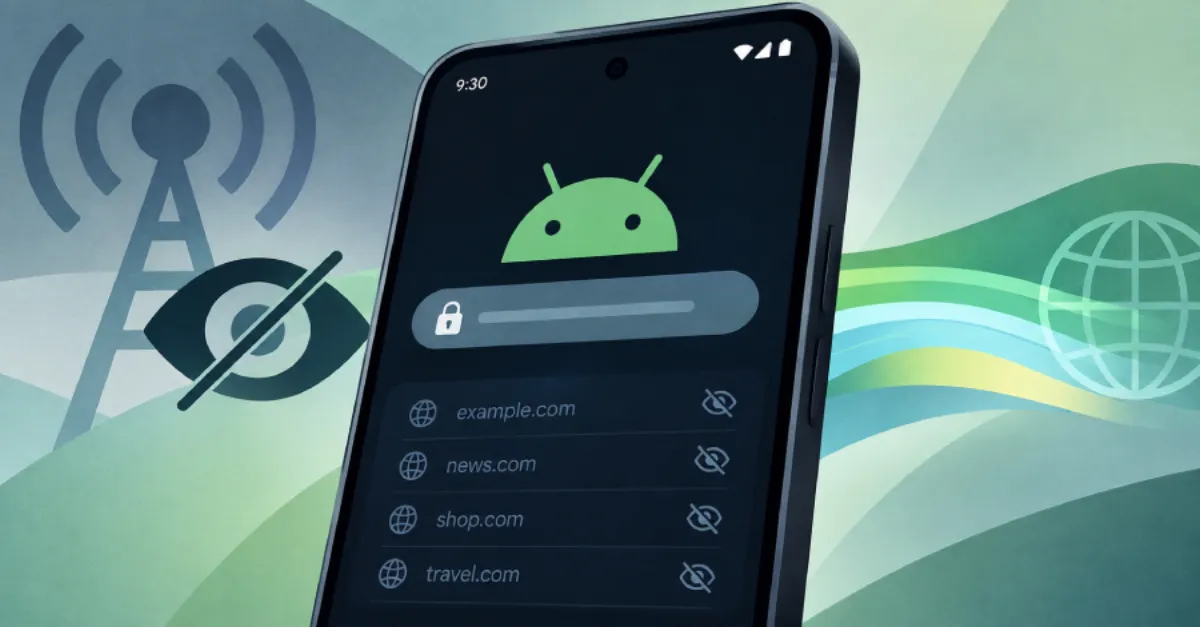
Android 17 to Hide Website Names From Network Providers With Systemwide Encryption
Google's next Android release will include systemwide ECH support, hiding the website names inside secure web connections so network providers can no longer see them.
Android 17, the next major version of Google's mobile operating system, will add encrypted client hello (ECH) support across the entire platform. This means every app that uses the system's standard secure connection libraries will get the privacy protection automatically, without developers needing to change their code. ECH encrypts the part of a secure web connection that reveals which website is being visited, so internet providers and local network operators can no longer see that information just by watching network traffic.
Normally, when a phone connects to a secure website, it sends a message called ClientHello. Inside that message is a field called Server Name Indication (SNI), which tells the server which website certificate to present. Until now, that SNI field has been sent in plaintext, meaning anyone on the network path, including mobile carriers, workplace networks, and public WiFi operators, can log the domain name of every site a user visits. ECH changes this by encrypting the ClientHello itself. To do that, the client fetches a public encryption key from the website's DNS records, specifically from an HTTPS resource record that contains the ECH configuration. The client then uses that key to scramble the entire ClientHello, including the SNI, before sending it. Only the intended website server, which holds the corresponding private key, can decrypt it. To outsiders, the connection looks like a secure session to a generic server, not to any particular named site.
The systemwide rollout is significant because it removes the need for individual apps to implement ECH on their own. Many Android apps use the operating system's built-in networking stack, so when Android 17 enables ECH by default, all those apps inherit the protection. Web browsers have begun experimenting with ECH, but a systemwide setting extends it to email clients, messaging apps, background sync, and any other service that connects over HTTPS. For website owners, this means visitors coming from Android 17 devices will have their browsing destinations hidden from network observers, which can reduce targeted surveillance and profiling. It also means that content delivery networks and hosting providers must ensure their web servers publish ECH keys correctly, otherwise visitors may fall back to non-encrypted ClientHello and lose the privacy benefit.
There are some limitations. ECH hides the site name from network providers, but it does not hide the IP address of the server. A determined observer can still see which IP address the phone connects to, and in some cases that IP address can be linked to a specific hosting company or even a particular website. ECH also does not hide the fact that a user is visiting a website at all, only which one. It works only if the website operator has enabled ECH on their server and published the necessary DNS record. If the website does not support ECH, the client falls back to sending the SNI in plaintext, and the protection is lost. Additionally, ECH relies on encrypted DNS to securely retrieve the public key. If the DNS query is sent in plaintext, a network observer could learn the domain name from the DNS lookup even if the TLS handshake is encrypted. That is why using a private, encrypted DNS resolver is an important companion to ECH.
For AEU customers, this development reinforces the value of encrypted DNS. AEU DNS offers a private and secure DNS service for everyone, and using it can help ensure that the DNS queries needed to fetch ECH keys are also encrypted, closing one gap that would otherwise let network providers see domain names through plaintext lookups.
How to Protect Yourself
- Update your phone to Android 17 as soon as it becomes available for your device, because the update turns on ECH automatically for all apps.
- Use an encrypted DNS service on your phone and home router to stop your network provider from seeing which websites you look up.
- Check if your favorite websites have ECH enabled by using a privacy test page; if they do not, ask the site owner to add support.
- If you run a website, enable ECH on your web server and add the required HTTPS DNS record, following your hosting provider's instructions.
- Continue using HTTPS everywhere; if a site does not use HTTPS, your browsing is not protected by ECH or any other transport encryption.
- Consider using a reputable VPN when you are on public WiFi, because ECH alone does not hide the IP address of the website server.