
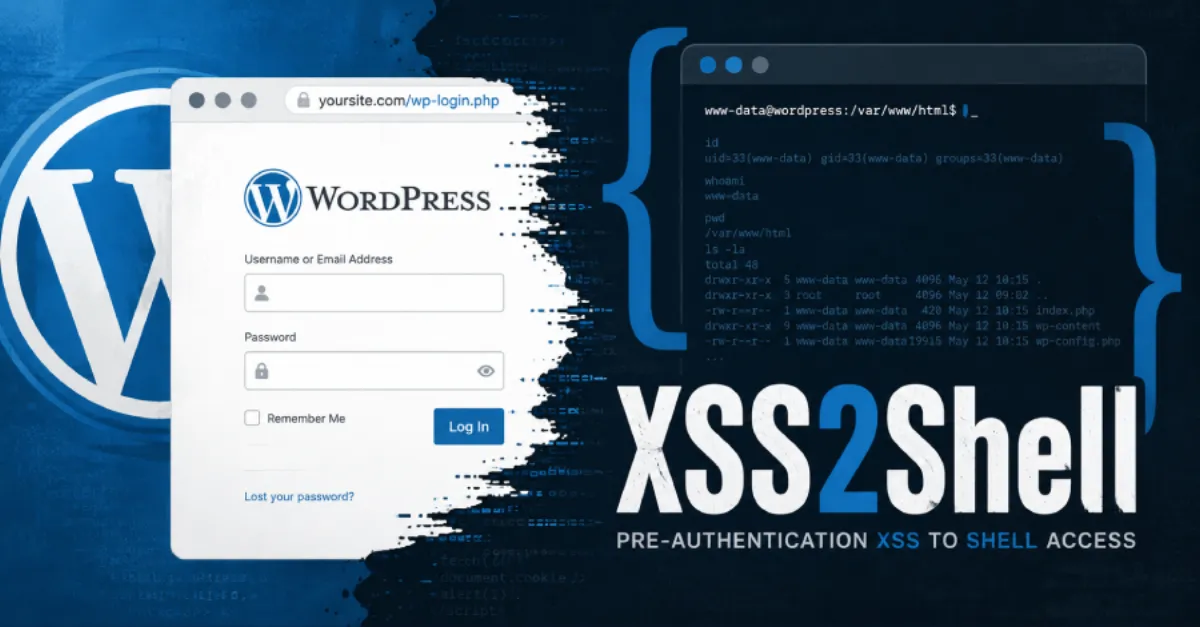
WordPress Vulnerability Exploitable Before Login Could Enable Server Code Execution, Update Immediately
A newly disclosed flaw in WordPress can be triggered without any login, potentially letting attackers execute malicious PHP code on the hosting server. Website owners are urged to apply the patch right away.
A newly discovered security weakness in WordPress can be triggered by an attacker without logging in, and in the worst case it may allow that person to run their own programming code on the web server. The flaw is a form of cross-site scripting, often shortened to XSS, which normally tricks a visitor's browser into running harmful script. What makes this case serious is the 'pre-authentication' part: no account, password, or prior access is required to start the attack. Because WordPress is the foundation for a huge number of websites, the potential impact is broad, and security researchers are urging site owners to apply the available fix immediately.
Cross-site scripting generally works by injecting malicious commands into a web page that other people later view. In a typical XSS attack, the code runs inside the browser of the victim, which can lead to stolen login cookies or redirected visitors. However, in this WordPress scenario, the injected script can become a stepping stone to something far more dangerous: PHP code execution. PHP is the server-side programming language that WordPress itself uses, so if an attacker manages to execute their own PHP instructions on the hosting server, they can change files, create new administrator accounts, install hidden backdoors, or steal the entire database. That turns a website compromise into a full server takeover, which is why the advice to patch without delay is so urgent.
For website owners, the practical meaning is that a site running an outdated version of WordPress may be open to attack even if every admin account is protected by a strong password. The vulnerability works before authentication, so standard login protections do not stop it. This is also a serious concern for hosting companies: on shared hosting, where many websites run on the same server, one compromised site can sometimes become a route to other sites on that server. Managed WordPress hosts and security teams need to apply the patch across their fleets quickly, because attackers often scan the internet within days or even hours after a vulnerability becomes public.
The first and most important step is to update WordPress core, themes, and all plugins to the latest versions. Developers usually release a security patch that closes this type of hole, and updating is the only reliable way to remove the risk. Website owners should also take this as a reminder to review their overall security posture: remove any plugins that are not actively used, keep current backups, and enable two-factor authentication for administrator accounts. A clean, minimal set of plugins reduces the attack surface and makes future updates easier to manage. Regular backups are essential because even with the best precautions, a determined attacker may find another way in, and a recent backup lets you restore quickly.
For those who do not want to handle patching manually, a managed WordPress hosting service such as AEU Hosting (albhosting.eu) can automatically apply security updates and monitor for vulnerable components, which significantly shortens the time a site remains exposed. That kind of proactive maintenance is especially valuable when a flaw like this one can be exploited before any login happens. The time to act is short, because once a patch is public, attackers often write automated tools to find unpatched sites. In the end, the lesson is familiar but critical: keep your website software up to date, limit what can run on your server, and do not assume that a login page is enough to keep attackers out.
How to Protect Yourself
- Log in to your WordPress dashboard and click "Updates," then install any available update for the WordPress software, themes, and plugins right away.
- If your web host offers automatic updates, turn that setting on so future security fixes install without you having to remember.
- Make a full backup of your website files and database now, so you can restore your site if something goes wrong after updating.
- Use a unique, strong password for your WordPress admin account and enable two-step login, which asks for a code from your phone in addition to your password.
- Delete any plugins or themes you are not using, because fewer extra programs means fewer places for attackers to break in.
- If you do not manage the site yourself, contact your website developer or hosting company and ask them to confirm the security patch has been applied.