
MCP Servers: The Overlooked Bridge That Can Leak Business Secrets
As companies connect AI assistants to internal systems through Model Context Protocol servers, weak access controls can quietly expose confidential data.
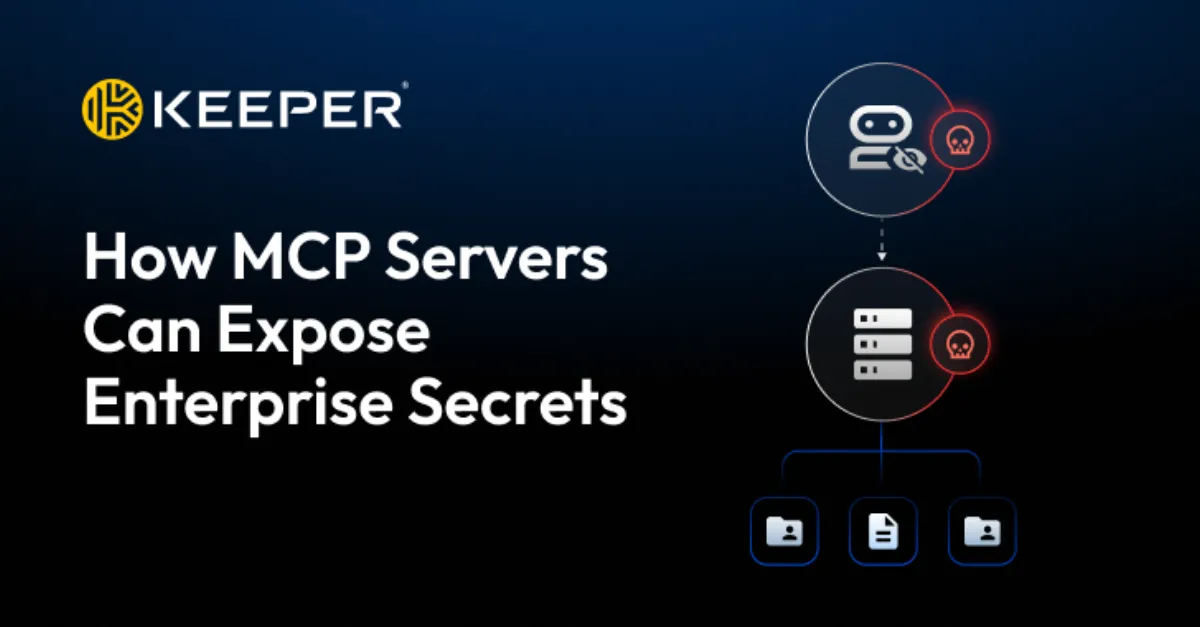
Model Context Protocol (MCP) is an open standard that lets artificial intelligence (AI) assistants, such as chatbots and coding helpers, connect to external tools, databases, and business applications. Instead of building a separate custom link for every system, an organization can set up an MCP server that acts as a single bridge between the AI model and internal resources. This speeds up automation and gives AI systems direct access to private business information. But that same convenience can become a serious security weakness if the server is not locked down properly. Because MCP servers are often deployed quickly inside a trusted network, they may not receive the same security review as a public-facing web application. The headline finding that MCP servers can expose enterprise secrets points to the core problem: these servers sit on the path between an AI system and the data it is allowed to use, and any weakness on that path can let sensitive information escape.
One common way MCP servers leak secrets is through overly broad permissions. An MCP server often needs credentials to access internal systems such as customer databases, file shares, or project management tools. If those credentials are set up with full read access to everything rather than the minimum needed for a specific task, then any user or AI agent that can talk to the MCP server can also pull far more data than intended. Attackers who gain access to the server, or a misbehaving AI prompt, can ask the server to retrieve confidential records, API keys, source code, or financial files. In addition, MCP servers that are bound to all network interfaces instead of just localhost may be reachable from the internet even when they were meant only for internal use. Missing authentication is another typical gap: if the MCP server itself does not require a strong login, anyone who can reach its network port can send requests to it directly. Unencrypted traffic between the AI assistant and the MCP server is also dangerous, because someone listening on the network can read the data in transit.
A compromised MCP server is not just a data leak by itself; it can become a pivot point to other internal systems. Since the server already holds valid credentials to databases, cloud storage, and business applications, an attacker who controls it can use those credentials to move deeper into the network. This is why security teams talk about "active attack paths" and "identity exposure" in the same breath as AI tooling. Even a single weak MCP server can convert a minor foothold into a serious breach of the entire backend. For website owners and hosting customers, the same risk appears when AI plugins or custom integrations connect to a content management system or hosting control panel. If the connector has more access than it needs, a flaw in that connector can expose the website's database, customer data, or administrative credentials. In a managed hosting environment, such an exposure can undermine the security of every site on that account.
The problem is growing because AI adoption is moving faster than governance. Recent surveys and discussions in the security community highlight that many organizations treat MCP servers as developer tools rather than critical infrastructure. They may be set up by a single engineer, never added to an asset inventory, and left running without monitoring or patch management. When a vulnerability in an MCP server library is announced, there is often no clear owner to apply the update. Meanwhile, identity exposure studies show that cross-domain privilege escalation can create active attack paths that defenders do not see until a breach happens. This combination of rapid deployment, excessive permissions, and weak oversight makes MCP servers a new and under-appreciated risk for enterprises. The same lesson applies to smaller businesses and website owners who adopt AI tools without reviewing what those tools can access.
To reduce the risk, organizations should treat every MCP server as a full security boundary rather than an internal convenience. Start by making a complete list of all MCP servers and the data sources they can reach. Enforce least privilege on every credential: the AI integration should only be able to read the specific fields or files it needs, never an entire database. Require authentication for all requests to the MCP server, and encrypt all traffic with HTTPS or an equivalent. Segment the MCP server into its own network zone so that a compromise cannot directly touch the main website or customer data. Turn on logging and review it regularly for unusual requests. Keep the MCP server software updated, and remove any servers that are no longer in use. For businesses that want professional help building these controls around new AI integrations, AEU-I offers security-first IT, infrastructure, and consulting to design and maintain secure access for tools like MCP servers. This practical, layered approach keeps the productivity benefits of AI without leaving enterprise secrets exposed.
How to Protect Yourself
- Review any AI tools or plugins your business uses and check what data they can reach; turn off access to things they do not need.
- If you run an MCP server or any AI connector, put a strong password in front of it and do not leave it open to the public internet unless you must.
- Keep the server software updated with the latest security fixes so known holes are closed.
- Turn on activity records or logs for any AI integration and look at them regularly for strange requests.
- Separate AI servers from your main website and customer data so a problem in one does not automatically expose the other.