
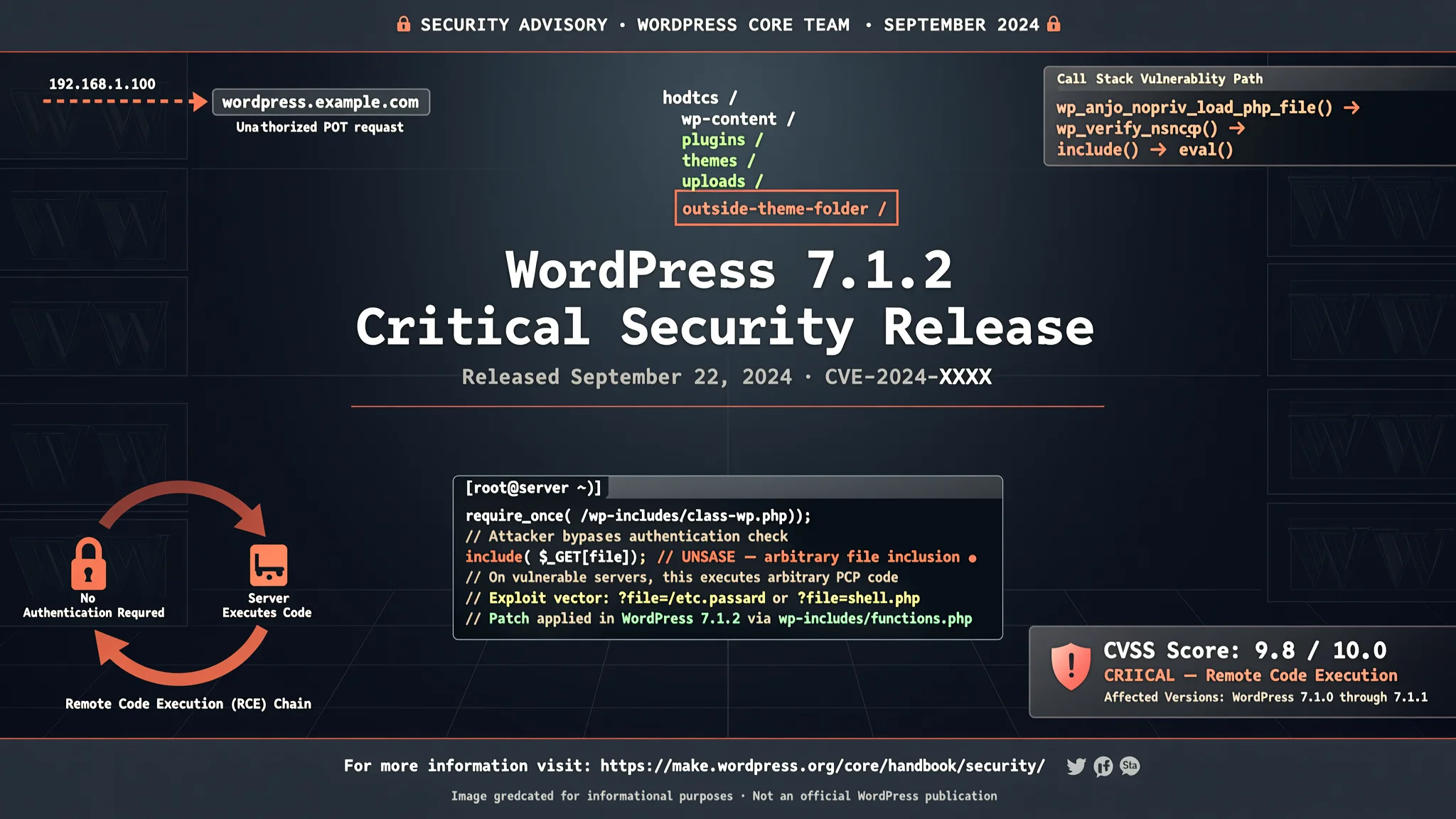
WordPress 7.1.2 Fixes Critical Vulnerability
WordPress released 7.1.2 on September 22 to close a critical flaw that can let an attacker without an account load PHP files outside theme folders and, on some…
WordPress has released version 7.1.2 to fix a critical vulnerability in the core software, and the project is telling site owners to update now. The flaw, tracked as CVE-2026-87902 and given a CVSS score of 9.2, lets an attacker with no account and no action from a logged-in user make a site load a PHP file from outside its theme folders. On some servers, that can go further, because WordPress says the attacker can run their own code. WordPress rates the flaw as critical.
The patch shipped on September 22, less than a week after WordPress released 7.1.1 on September 17 as part of a previous security update. That 7.1.1 release is also affected, so anyone who installed it must still install this new one. Every version from 4.7.0 through 7.1.1 is affected. Because WordPress does not offer a separate workaround, updating is the fix. Sites with automatic background updates enabled will start the update automatically. Others can update from the dashboard under Updates, or download the release from WordPress.org.
The version to update to depends on the branch a site is running. Sites on 7.1.x should update to 7.1.2, on 7.0.x to 7.0.6, on 6.9.x to 6.9.9, on 6.8.x to 6.8.10, on 6.7.x to 6.7.9, and on 6.6.x to 6.6.9. WordPress backported the fix to every older branch it still supports as a courtesy, down to 4.7.37. The full list is in the release notes.
The underlying flaw is in how WordPress chooses the template file for a page. One of the file names it builds comes from part of the web address. On affected versions WordPress did not run that value through its own check for ../ traversal steps, the check the neighboring code already used. In plain terms, a traversal step lets a request point to a file outside the folder a site intended to use. Because the file name is built as page-{value}.php, a working attack also needs the active theme to have a top-level folder whose name starts with page-, and the target file has to end in .php. Some themes, including older default WordPress themes, ship a folder that fits that requirement, while the current default themes do not.
Even when the traversal is possible, loading a local PHP file runs whatever that file already does. Turning that into code of the attacker's choosing requires a second condition: the server must already have a PHP file that does something useful when loaded. That is the "some servers" in WordPress's description, and it explains why the flaw does not mean full code execution on every affected site.
Security vendor Patchstack, in its own analysis, says two checks tell a site owner how exposed they are. The first is whether the active theme has a top-level folder whose name begins with page-. The second is whether PHP is running with a setting called register_argc_argv turned on, a known code-execution technique depends on that setting. Patchstack notes neither is a fix, but both show how close a site is to the worst case. That setting is off by default on PHP 8.5 and on by default on older PHP versions.
WordPress credited Robert Ressl with finding the flaw, which he disclosed privately through its HackerOne program in July. When the fix shipped, Ressl published a detailed write-up, along with a proof-of-concept and a self-contained test lab. His demonstrated attack ran code with the privileges of the web-server account, not full control of the server, and he tested it against WordPress 7.0.2 in isolated local labs, not against the patched release or any live site. Ressl says operators who cannot update immediately can reduce the route to code execution by turning register_argc_argv off for web requests and removing unused PEAR components, although neither repairs the underlying flaw.
As of September 22, there were no reports of the flaw being used in attacks, and it had no entry in the U.S. CISA Known Exploited Vulnerabilities catalog. WordPress and Ressl were contacted for comment. For website owners, the immediate task is to confirm the update has been applied, because there is no workaround and automatic background updates may still be running. AEU Hosting offers managed WordPress hosting secured end to end, and site owners can check that service page to see how security releases like WordPress 7.1.2 are handled for them.
How to Protect Yourself
- Update your WordPress site right away from the dashboard Updates page, choosing the version shown for your branch such as 7.1.2 or the matching backport.
- Turn on automatic background updates if they are not already enabled, so future security releases install without you having to remember.
- Check which WordPress version your site is running, because even version 7.1.1 from September 17 still needs this new update.
- If you use a managed WordPress hosting provider, ask them to confirm that the WordPress 7.1.2 security update has been applied to your site.
- If you cannot update today, ask your web developer to follow the temporary risk reduction steps the researcher described, including turning off a setting called register_argc_argv for web requests and removing unused PEAR components, but kn
Vulnerabilities & Fixes
- CVE-2026-87902 CVE-2026-87902 is a critical WordPress core flaw fixed in version 7.1.2 and backported releases down to 4.7.37. View the fix & details →
Terms Explained
- WordPress core The main software that runs a WordPress website, separate from themes and plugins.
- PHP file A file containing code that a web server can run when a page is requested.
- Theme folder A directory inside a WordPress site where the design files are stored.
- Path traversal A way of writing a web address so that it points to a file outside the folder a system intended to open.
- CVSS A scoring system that rates how severe a security flaw is from 0 to 10.
- register_argc_argv A PHP server setting that controls how the server passes command-line style arguments to web scripts.
- PEAR components Optional PHP code libraries that some servers install but many websites do not use.
- Web-server account The limited user identity under which a web server runs, separate from a full administrator account on the machine.