
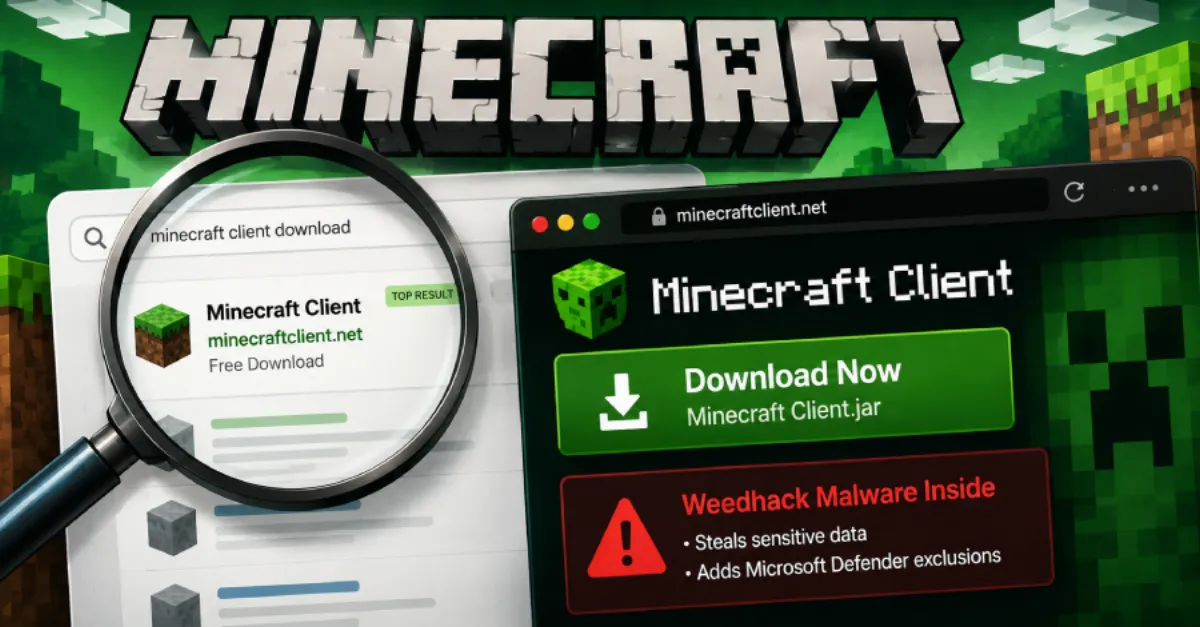
Attackers Use Fake Minecraft Clients and SEO Poisoning to Deliver Weedhack Malware
Cybercriminals are spreading Weedhack malware through fake Minecraft clients and SEO poisoning. Learn how to recognize these threats and protect your system or site.
A new wave of attacks is targeting gamers and website visitors alike, using a malware strain known as Weedhack to compromise systems. The campaign relies on two common distribution methods: fake Minecraft clients and SEO poisoning. Both techniques aim to trick users into installing malicious software, and they highlight the ongoing challenges of staying secure in a world where even game downloads and search results can be treacherous.
Fake Minecraft clients are counterfeit versions of the popular game's launcher or executable. Players often seek out modified clients for additional features, but cybercriminals create convincing fakes that contain malware like Weedhack. When a user downloads and runs such a client, the malware is installed, allowing the attackers to take control of the system. The lure of customization and mods makes these downloads attractive, while the lack of official verification lets the fakes slip through. This is a recurring pattern in malware distribution, as attackers exploit the popularity of games and the willingness of players to download unofficial modifications.
SEO poisoning is a separate but equally dangerous tactic. Attackers create malicious web pages that are optimized to appear at the top of search engine results for popular queries. These pages often mimic legitimate download sites or offer tempting content. When a user clicks on a poisoned search result, the site redirects them to a malicious payload, which is often another route for the same Weedhack malware. This method leverages the trust people place in search engines, making it a persistent threat for anyone who casually searches for software. It also enables attackers to reach a wide audience without needing to directly target individuals.
For website owners, these campaigns present a particular risk. A compromised site can be hijacked to serve malicious content to visitors, turning it into a vector for SEO poisoning. Attackers might inject malicious scripts or hidden links that cause search engines to rank the site for spammy queries, or they might use the site to host malware for download. This can damage the site's reputation, lead to blacklisting by search engines, and expose visitors to danger. Regular security maintenance is essential to prevent such hijacking.
Heeding these threats requires a proactive approach. For users, that means being skeptical of unofficial downloads and search results. For website owners, it means ensuring that their platforms are constantly patched and monitored. Adopting a security-first hosting environment reduces the attack surface. For example, a managed WordPress hosting service like AEU Hosting, which is secured end to end, can handle many of these protective measures automatically, allowing you to focus on content rather than constant security administration.
One of the most effective defenses is to keep your software up to date. Security vulnerabilities in operating systems, browsers, and content management systems are frequently exploited to install malware. Applying patches as soon as they are released blocks many known attack vectors. It is also wise to employ a reputable security solution that can detect and block malicious websites and downloads before they cause harm. Many security tools now include web filtering that flags dangerous domains, which can stop SEO poisoning at the click of a button.
Ultimately, staying safe from Weedhack and similar threats requires a combination of vigilance and good hygiene. Do not trust every download you encounter, and always verify the source. When you visit a website that ranks highly in search results, check that the domain name matches your expectation. A moment of caution can save you from a serious infection or data loss. For businesses, the cost of a security breach can be enormous, so investing in robust hosting and security practices is not optional, it is essential.
How to Protect Yourself
- Download Minecraft only from the official website (minecraft.net) or official app stores. Avoid any modified or modded clients from random websites.
- Before clicking a search result, hover your mouse over the link to see the actual web address. If it looks suspicious or misspelled, do not click it.
- Keep your computer's operating system and antivirus software updated automatically. This helps close security holes that malware can exploit.
- Install a security extension in your browser that blocks known malicious websites and can warn you about unsafe downloads.