
MCP Servers: A Hidden Gateway for Enterprise Data Leaks
Model Context Protocol servers connect AI assistants to internal tools, but if misconfigured they can expose sensitive corporate information. Learn where the risks lie and how to lock them down.
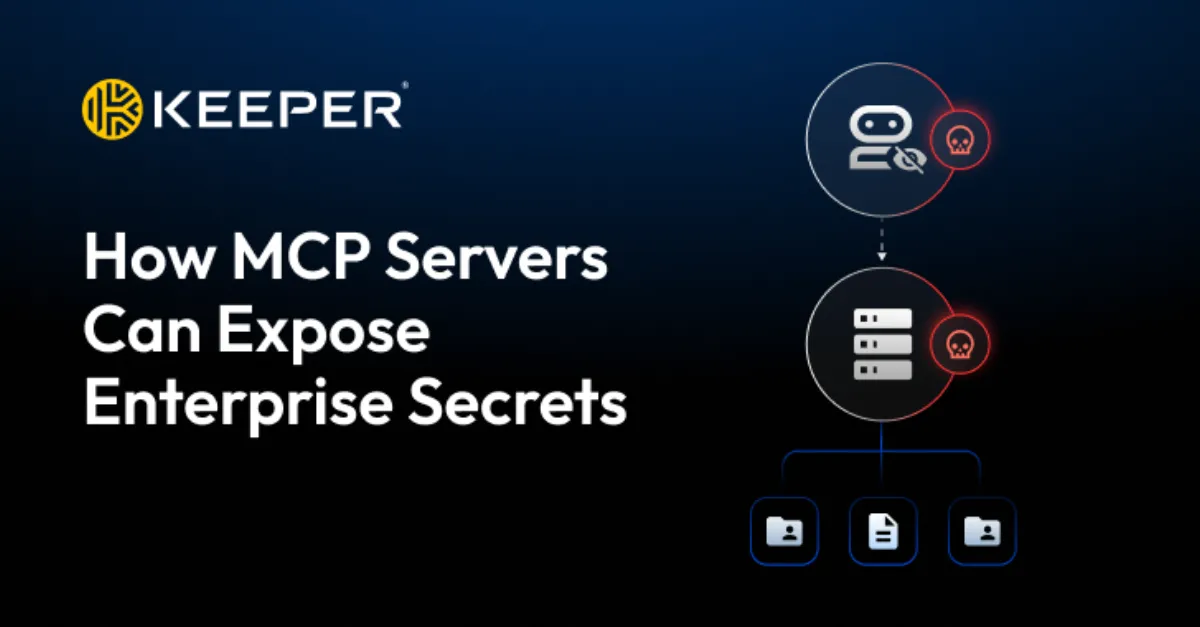
Model Context Protocol (MCP) servers are becoming a common building block in enterprise artificial intelligence projects. MCP is a technical standard that lets AI assistants, such as chatbots or coding helpers, talk to external tools and data sources through a server that acts as a translator. Instead of giving an AI model direct access to a database or an internal application, developers run an MCP server that holds the necessary connection details and handles requests. This design makes it easier to add new tools, but it also concentrates access to sensitive systems in one place. If that server is not sufficiently protected, the credentials and permissions it holds can become a doorway to company secrets.
The core risk is simple: an MCP server often needs powerful credentials to do its job. It may store API keys, database passwords, or authentication tokens that allow it to read customer records, retrieve internal documents, or modify production systems. If an attacker can reach the MCP server, either because it is exposed to the internet without proper access controls or because a malicious insider can call it, they may be able to ask the server to perform the same actions the AI assistant would. For example, a request designed for 'summarize the latest sales report' could be replaced with a request that says 'list all employee payroll records.' The MCP server might not distinguish between a legitimate AI prompt and an unauthorized instruction unless strong authorization rules are enforced for every single call.
Several common configuration mistakes make this exposure more likely. One is leaving the MCP server endpoint open on a public network, perhaps for convenience during testing, without a firewall or virtual private network (VPN) in front of it. Another is granting the server broad privileges, such as full read and write access to a database when only a single table is needed. A third is relying on the AI model itself to enforce security, which is dangerous because AI models can be tricked into ignoring instructions. A fourth is storing secrets in plain text configuration files or environment variables that are accidentally committed to a code repository or included in a backup. Each of these issues can turn a helpful automation layer into an unguarded data faucet.
For website owners and hosting teams, the relevance is direct. Many modern websites use AI integrations for customer support chatbots, content generation, or backend automation. If those integrations rely on an MCP server that connects to the site's database, payment processor, or file storage, a vulnerability in the MCP layer can expose customer information, payment records, or proprietary code. Even a small misconfiguration can cause a data breach that damages trust, triggers regulatory penalties, and leads to downtime. Because MCP servers often run on the same cloud infrastructure as the web application, a compromise can also become a stepping stone to other systems, enabling lateral movement inside a hosting environment.
Reducing the risk requires a security-first approach. Organizations should treat every MCP server as a high-value target, not a background utility. Access should be restricted to only the specific tools and data the AI assistant truly needs, a principle known as least privilege. Every request to the MCP server should require authentication, and the server should log all activity so unusual patterns can be spotted. Secrets should be stored in a dedicated secrets manager that rotates credentials automatically, and network traffic should be encrypted with Transport Layer Security (TLS) to prevent eavesdropping. Regular updates and security audits help close gaps before attackers can exploit them. Security-first IT, infrastructure and consulting from AEU-I can help organizations assess and harden their MCP server deployments, reducing the risk of accidental data exposure.
How to Protect Yourself
- If you manage a website or server that uses AI tools, ask your provider whether they use an MCP server and how they limit its access to your data.
- Keep all software that connects to AI assistants updated, because updates often close security holes.
- Use a password manager to store any API keys or tokens instead of leaving them in plain text files or chat messages.
- Turn on two-factor authentication for any account that can reach your website's database or admin panel, since that reduces the chance of someone sneaking in through an AI tool.
- Review the access logs of your website or hosting control panel regularly for unusual requests that you do not recognize.